Some links on this page are affiliate links. We may earn a commission if you buy, at no extra cost to you. How this works.
Which launch monitor should you buy for a US home setup?
Use these practical checks to choose a suitable setup before comparing retailer prices.
Under a modest hardware budget
If the goal is practice rather than a permanent simulator, compare the Garmin R10 and Rapsodo MLM2PRO. Check the required ball flight, subscription features and device support before deciding; an attractive entry price can conceal a larger long-term cost.
For a garage with limited depth
Side-on camera placement may be easier than a radar unit that needs clear space behind the ball. Measure your actual usable depth and check both left- and right-handed hitting positions before ordering.
For a permanent simulator room
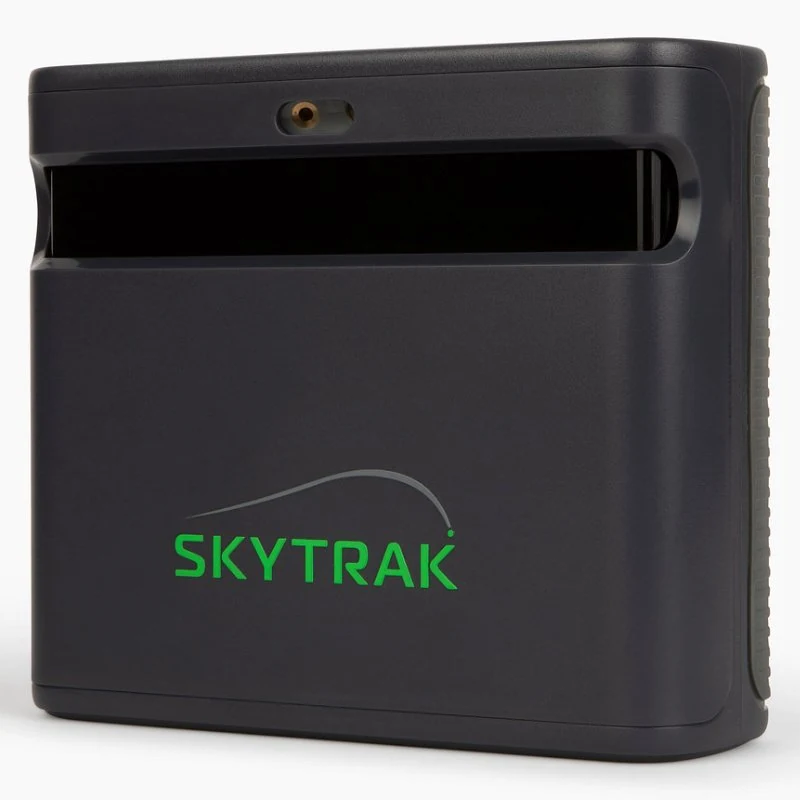
Compare the Garmin R50 and SkyTrak ST MAX as systems, not just launch monitors. The decision should include display workflow, software, hitting area, enclosure, impact screen and total package price.
Buy in the right order
Choose your room layout and monitor first, then price a compatible complete package at PlayBetter. Compare Amazon only for matching models or accessories; do not assume separately sourced components are compatible.
room fit and total ownership cost matter more than headline specifications. Use feet, dollars and the software you actually plan to run before narrowing the shortlist.
Start with your room and the kind of feedback you need. Compare radar, side-mounted cameras and all-in-one devices, then check marked-ball requirements, computer compatibility and software entitlements.
Why is the R10 our best-value pick when Square Golf scores higher? The score rates overall quality; best value is about what you get for the money. The R10 generally costs less and also works on the range, so it is the better first buy for most golfers. If you will only use it indoors in a short room, Square Golf is worth the extra.
Measure from the back wall to where your net or screen will hang. Radar units sit behind you and need that depth; camera units sit beside the ball, so width and ceiling height matter more. Figures are manufacturer placement guidance: allow extra for the golfer and safe screen clearance.
For the range, the R10 and MLM2PRO are the most portable scored picks.
Room guidance from Garmin, Rapsodo, Square Golf and FlightScope, and from published SkyTrak guidance, checked September 23–27, 2026. See every figure in our indoor space database or try the room checker.
Compare launch monitors side by side
Every model we recommend, cheapest first. Tap a column heading to sort. Figures come from each product’s specification table (manufacturer and retailer figures, checked October 1, 2026); US availability and license terms need separate confirmation.
“Not confirmed” means the maker does not publish that figure or we could not confirm it. Open the product page for the full specification, or compare any two products.
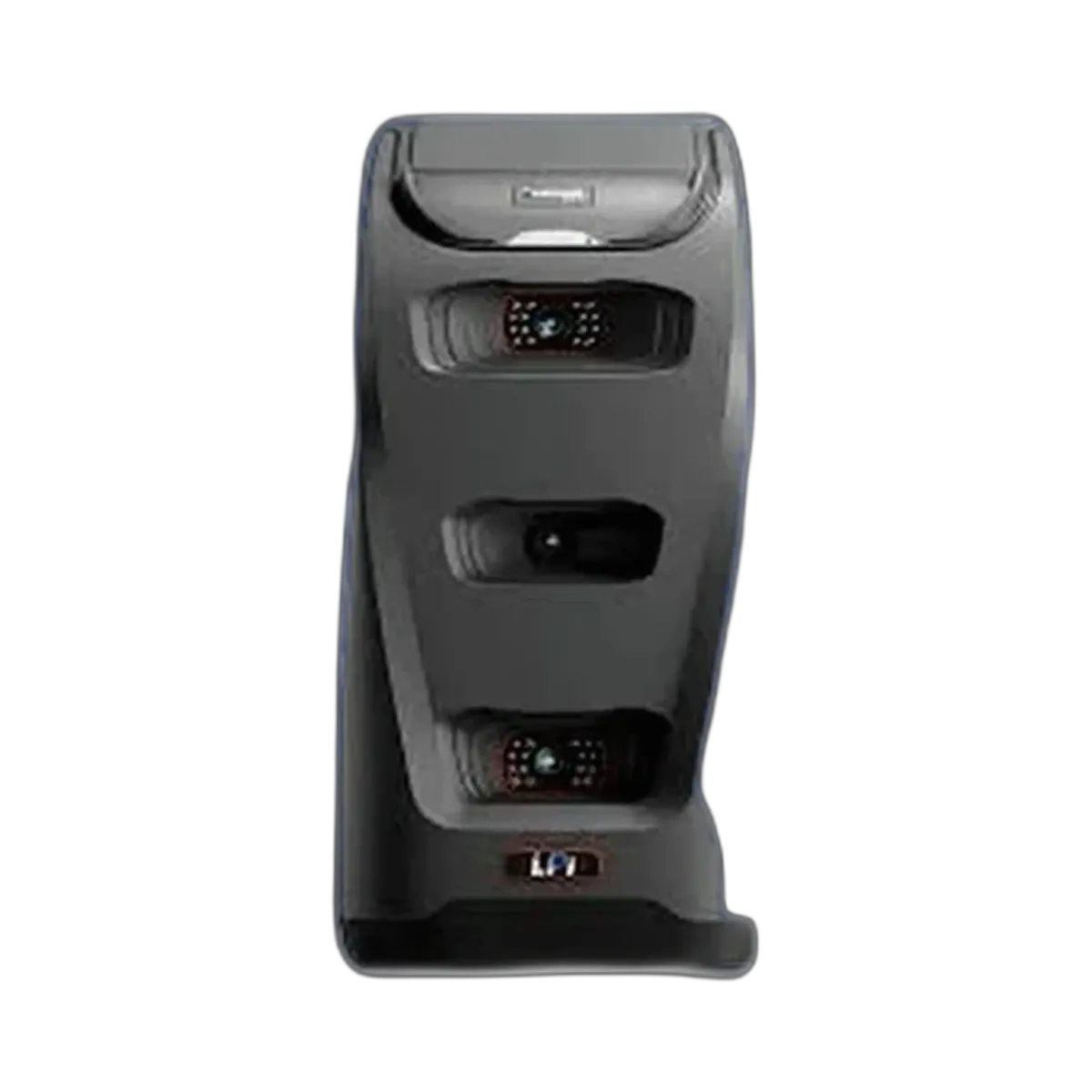
Three high-speed infrared cameras; the same core technology as the Foresight GC3
Beside the ball; move it for left-handers
Normal balls; club-face stickers for club data (paid tiers)
Not confirmed
Launch Pro software tiers and included features depend on the exact current offering. Confirm ball data, club data and third-party simulator access with Bushnell/Foresight; historic tier names are not treated as current terms.
Beside the ball; reposition for left- and right-handed golfers
Use supported golf balls; follow current alignment and ball guidance
Check supported putting modes in the chosen simulator software
One year of Foresight course-play membership included; check renewal and third-party license costs
The recommendations explained
Read the reasons and limitations before deciding which model deserves a place on your shortlist.
Read the recommendations explainedPortable starting point · portable radar
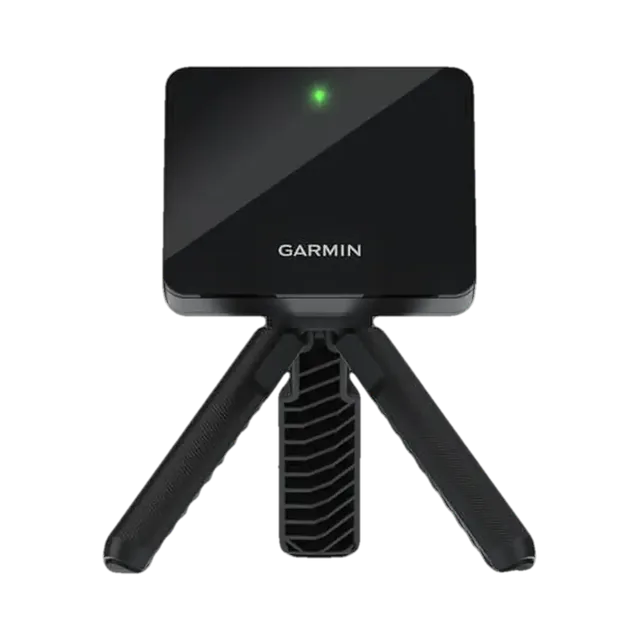
Garmin Approach R10
A practical starting point if you want one device for range sessions and occasional simulator practice. Its main compromise is indoor space: the radar sits behind the ball, so a low hardware price does not automatically make it the right garage choice.
The R10 measures ball speed, club speed and launch directly; spin and club data are calculated from those readings, so treat spin and path figures as useful guides rather than lab numbers. It weighs about 148 g (5.2 oz) and runs for up to 10 hours, which is why it lives happily in a range bag. Indoors, Garmin places it 6–8 ft behind the tee with the ball at least 8 ft from the net, so you need at least 15 ft of room length before allowing for the golfer and screen clearance.
Basic use needs no subscription. Garmin's own Home Tee Hero course play needs a Garmin Golf membership; alternatively, GSPro, E6 Connect and Awesome Golf work with the R10 under their own licenses.
Choose this if: You practice outdoors and want a portable route into shot data and simulation.
Consider another option if: Your room cannot meet the required radar and ball-flight distances. Compare a side-on camera unit instead.
Reasons to consider
Portable format for range practice
Compatible with simulator options
Up to 10 hours of battery at about 148 g (5.2 oz)
Limitations to weigh up
Indoor placement needs substantial depth
A compatible phone or tablet is required
Spin and club data are calculated, not measured
Key specifications
Tracking
Doppler radar behind the ball; ball speed, club speed and launch measured, spin and club data calculated
Data
About 14 parameters
Placement
6–8 ft behind the tee; ball at least 8 ft from the net; at least 15 ft room length
Battery and weight
Up to 10 hours; about 148 g (5.2 oz)
Software
Garmin Golf app; Home Tee Hero needs Garmin Golf membership; GSPro, E6 Connect, Awesome Golf
Required subscription
None for basic use
RRP at launch
$599.99; now from about $500
Manufacturer and retailer figures, checked September 2026.
A sensible first launch monitor for golfers who want useful practice data, portability and simulator potential without moving into premium pricing. Read our review
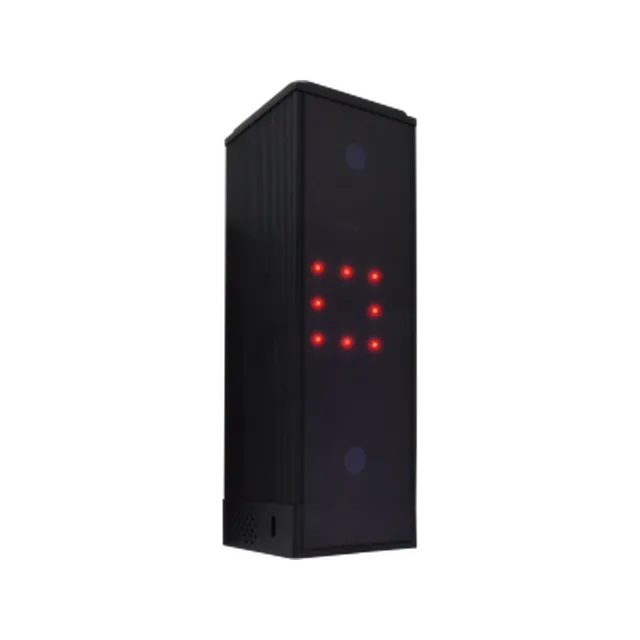
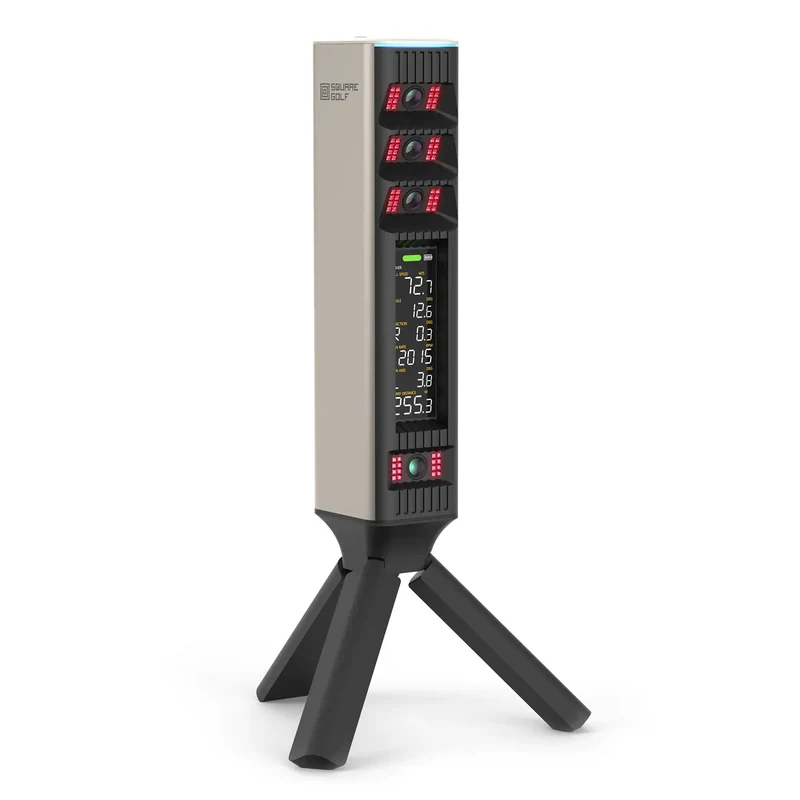
The original Square Golf Home makes most sense as a dedicated indoor choice. Its side-on camera position is useful when room depth is limited. It still needs safe swing clearance, a suitable hitting area and a compatible device; the monitor alone is not a complete simulator.
The unit sits on the floor with the ball about 42 cm (16.5 in) in front and 23 cm (9.1 in) to the side, so it needs no run-up behind the golfer. Alongside ball speed, launch, spin and carry, it reports swing path, face angle, dynamic loft and angle of attack, and it reads putts with adjustable green speed, which most monitors at this price cannot. It needs marked balls; three dotted balls come in the box.
There is no monthly subscription. The built-in simulator includes 1,000 credits; Square’s current app lists 22 courses for up to 4 players, at 1 credit per player per hole. Top-ups cost $2.99 for 100 credits to $19.99 for 1,000. Square Golf Omni is the newer four-camera model that also works outdoors, so check which model a listing is for.
Choose this if: You want an indoor setup and prefer a monitor beside the ball.
Consider another option if: You need an outdoor range monitor. Also distinguish the original Home model from Square Golf Omni when comparing listings.
Reasons to consider
Side-on placement suits shorter rooms
Square course play uses credits rather than a monthly subscription
Club data and putting included
Limitations to weigh up
Original Home model is intended for indoor use
Course credits and third-party software can add costs
Marked balls are required
Key specifications
Tracking
High-speed camera with infrared LED, on the floor beside the ball
Ball data
Ball speed, direction, launch angle, spin, apex, carry, run and total
Club data
Swing path, face angle, dynamic loft, angle of attack
Placement
Ball 42 cm (16.5 in) in front and 23 cm (9.1 in) to the right; 15 × 15 cm (5.9 × 5.9 in) hitting zone
Putting
Yes, with adjustable green speed
Battery and weight
About 8 hours, removable; 470 g (16.6 oz)
Software
Built-in simulator with 1,000 credits and 10 courses; third-party software supported
Required subscription
None; optional credit top-ups
Manufacturer and retailer figures, checked September 2026.
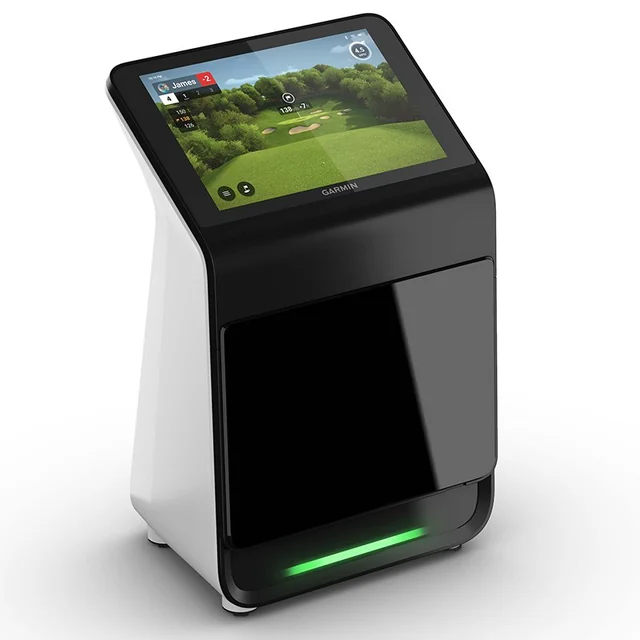
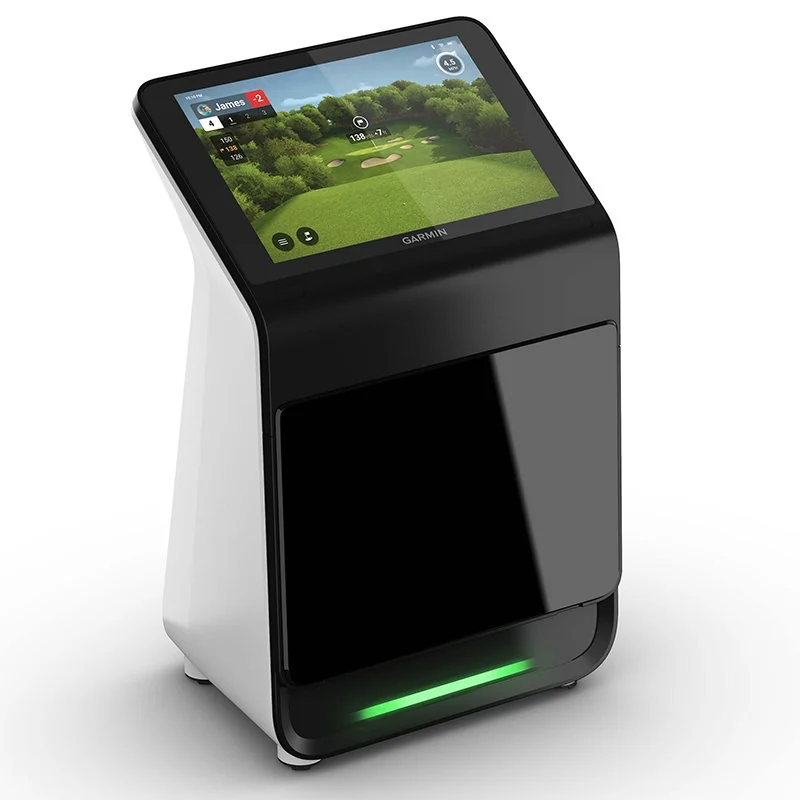
The R50 puts the display and practice interface into the monitor itself, reducing dependence on a separate phone or tablet. That convenience carries a substantial premium. Choose it for the integrated experience, rather than assuming that every golfer needs this level of hardware.
Three high-speed cameras beside the ball capture more than 15 ball and club metrics plus impact video. The 10-inch touchscreen runs Garmin's Home Tee Hero simulator (43,000+ courses, up to four players) without a PC, and you can send the picture to a TV or projector. Club data needs stickers on the club face, and the battery lasts up to about 4 hours away from wall power.
Garmin recommends at least 9 ft of ceiling, 8 ft from ball to net and 10 ft of width, or 13 ft if left- and right-handed golfers share the room. Practice modes are included; Home Tee Hero course play needs a Garmin Golf membership, and GSPro, Awesome Golf and E6 Connect are also supported.
Choose this if: You value a built-in touchscreen and a self-contained practice interface.
Consider another option if: You want the lowest-cost simulator route or only basic practice feedback.
Reasons to consider
Built-in touchscreen
Camera placement avoids a rear radar position
Runs Garmin's simulator without a PC
Limitations to weigh up
Premium hardware budget
Virtual rounds and optional software add ongoing costs
Battery lasts about 4 hours away from wall power
Key specifications
Tracking
Three high-speed cameras beside the ball; impact video
Data
15+ ball and club metrics; club data needs face stickers
Display
Built-in 10-inch color touchscreen; HDMI out to TV or projector
Room (Garmin)
9 ft+ ceiling, 8 ft+ ball to net, 10 ft+ width (13 ft+ for mixed-handed use)
Battery
Up to about 4 hours
Software
Home Tee Hero (Garmin Golf membership for course play); GSPro, Awesome Golf, E6 Connect
Required subscription
None for practice modes
RRP
Manufacturer and retailer figures, checked September 2026.
The most complete all-in-one home launch monitor we cover. Camera tracking, a 10-inch touchscreen and Garmin’s simulator are built in, so you don’t need a gaming PC. It is hard to justify if you only want range numbers. Read our review
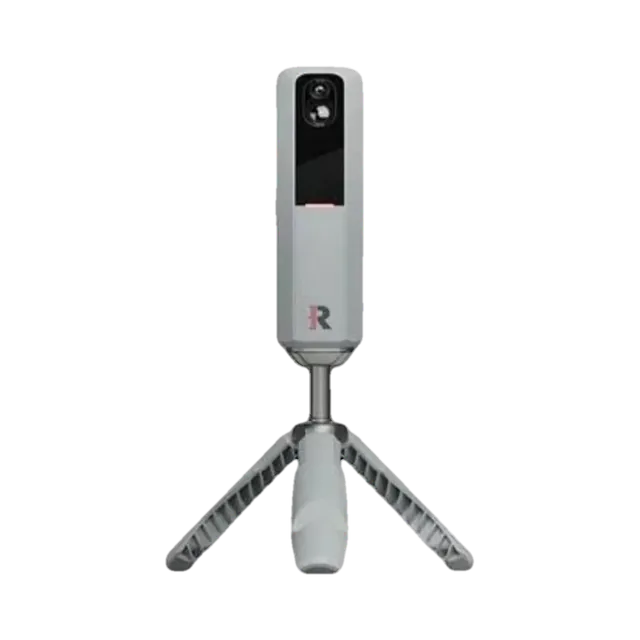
The MLM2PRO is worth considering if video feedback matters alongside shot data. Assess the membership requirements and ball requirements before comparing its hardware cost with alternatives. As a rear-positioned system, it also needs sufficient indoor depth.
It pairs Doppler radar with two cameras: one records 240 fps swing video and the other tracks the ball, so each shot comes with a replay as well as numbers. Rapsodo lists 15 metrics, including club path and smash factor. Indoors, spin is only measured with Callaway RPT balls; three are included. Place it 6.5–8.5 ft behind the ball with 8 ft to the net, a little over 14 ft in total.
Basic use needs no subscription, but Premium unlocks club data, full course access and third-party simulator use. It costs $199.99 a year, for two years or $599.99 for life, after a 45-day trial with a new device. Add that to the price if you plan to use it as a simulator.
Choose this if: You want video feedback and can accommodate its placement requirements.
Consider another option if: You want the simplest ongoing-cost structure or have a short hitting room.
Reasons to consider
Combines video feedback with shot information
Supports indoor and outdoor practice
Lifetime Premium option avoids yearly renewals
Limitations to weigh up
Advanced and simulator features depend on membership
RPT balls are needed for measured spin data
Needs a little over 14 ft of depth indoors
Key specifications
Tracking
Doppler radar plus two cameras (240 fps swing video and ball tracking)
Data
15 metrics, including ball and club speed, launch, spin, carry, apex, club path and smash factor
Spin indoors
Measured only with RPT balls (Callaway or Titleist RPT); 3 come in the box
Placement
6.5–8.5 ft behind the ball; 8 ft to net; a little over 14 ft total
Use
Indoors and outdoors
Required subscription
None for basic use; Premium $199.99 a year or $599.99 lifetime
Manufacturer and retailer figures, checked September 2026.
The MLM2PRO combines Doppler radar with two cameras to pair launch data with automatic swing and impact video. It is a strong portable practice tool, but buyers should account for indoor depth, RPT balls and optional Premium membership before deciding. Read our review
Current replacements are now assessed: FlightScope Mevo Gen2 scores 91/100 and SkyTrak ST MAX scores 90/100. Compare their room needs and software costs with the shortlist above.
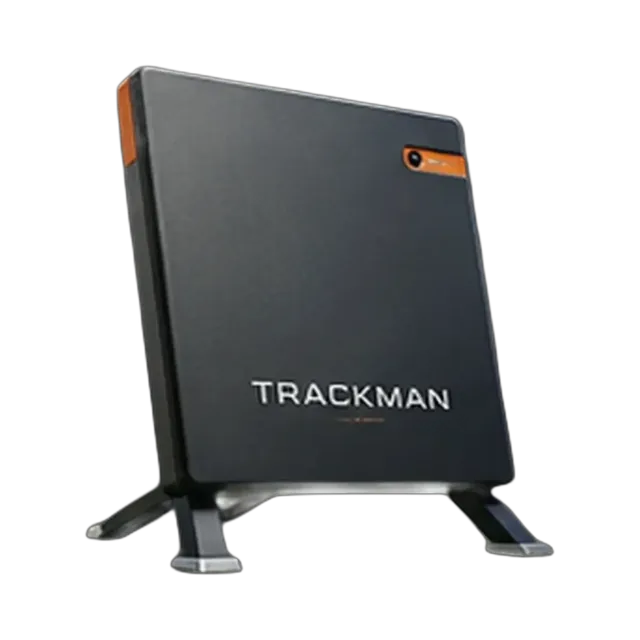
Fitting-studio systems such as TrackMan 4 are listed below.
How to choose
Measure your room first
Radar units that sit behind you (R10, MLM2PRO, Mevo Gen2) need roughly 14–17 ft of depth indoors, more for the Mevo Gen2. Side-on camera units (Square Golf, R50, ST MAX) suit shorter rooms. Space needed by model.
Radar or camera?
Radar works well outdoors and on the range. Cameras beside the ball are usually more practical for indoor simulators. Radar vs camera explained.
Check running costs
Some features need a paid plan: Rapsodo Premium, Garmin Golf membership, or simulator software such as GSPro. Add these to the price before you compare.
Room, software and device requirements
These practical ownership differences can matter more than an extra data point. Always confirm the latest manufacturer requirements for your exact room and software choice.
Product
Tracking and spin
Environment and space
Software cost
Additional device
Garmin Approach R10
Radar behind the ball. Spin and club data are calculated.
Indoor or outdoor radar; indoors plan for at least 15 ft total length and 8 ft of ball flight.
Range sessions included; Home Tee Hero and some simulator features require paid membership or third-party software.
Compatible phone or tablet running Garmin Golf.
Garmin Approach R50
Three cameras beside the ball. Club data needs face stickers.
Indoor or outdoor. Garmin recommends 9 ft+ ceiling, 8 ft+ ball to net and 10 ft+ width (13 ft+ for mixed-handed use).
Practice features included; virtual rounds through Home Tee Hero require Garmin Golf Membership.
Built-in touchscreen; an HDMI display or projector is optional.
Square Golf
Camera and infrared beside the ball. Ball spin and club data captured; marked balls needed.
Indoor use. Ball sits about 42 cm (16.5 in) in front of and 23 cm (9.1 in) beside the unit, so no depth behind the golfer is needed.
No monthly subscription for Square software; course play uses credits after the included allowance. Third-party software can cost extra.
Compatible iOS, Android or Windows device depending on the software selected.
Rapsodo MLM2PRO
Radar plus two cameras behind the ball. Spin measured indoors only with RPT balls.
Indoor or outdoor; indoors allow more than 14 ft total, including 8 ft of ball flight and 6.5–8.5 ft behind the ball.
Core use is available, but advanced and simulator features depend on the current Premium Membership and chosen software.
Compatible phone or tablet; RPT balls are required for measured spin data.
For most golfers, the Garmin Approach R10 (89/100) is the best value. For an indoor garage simulator, Square Golf (90/100) is our pick, and the Garmin R50 (94/100) is the best all-in-one if budget allows.
Why is the Garmin R10 best value when Square Golf scores higher?
The score rates overall quality; best value is about what you get for the money. The R10 generally costs less and also works on the range. If you will only use a launch monitor indoors in a short room, Square Golf is worth the extra.
What is a good first launch monitor?
The Garmin Approach R10 is a portable starting point. Choose an indoor camera system instead if room depth is limited. For speed numbers alone, compare the Shot Scope LM1 and PRGR.
Do launch monitors need a subscription?
Many work without one, but some features need a paid plan: Rapsodo Premium from $199.99 a year, Garmin Golf membership for Garmin’s simulator, or third-party software such as GSPro.
How much room do I need for a launch monitor indoors?
Radar units that sit behind the golfer need about 14–17 ft of depth, and FlightScope recommends more for the Mevo Gen2. Side-on camera units need less depth but enough width. Check our space database.
Which launch monitors measure putting?
See the putting column in the spec table. Square Golf reads putts with adjustable green speed. Speed-only monitors (Shot Mate, LM1, PRGR) do not.
Do the apps work on Android?
Garmin, Rapsodo, Square Golf and Shot Scope all have Android apps. For simulator software, Awesome Golf runs on Android; GSPro needs a Windows PC. See which simulators need a PC.
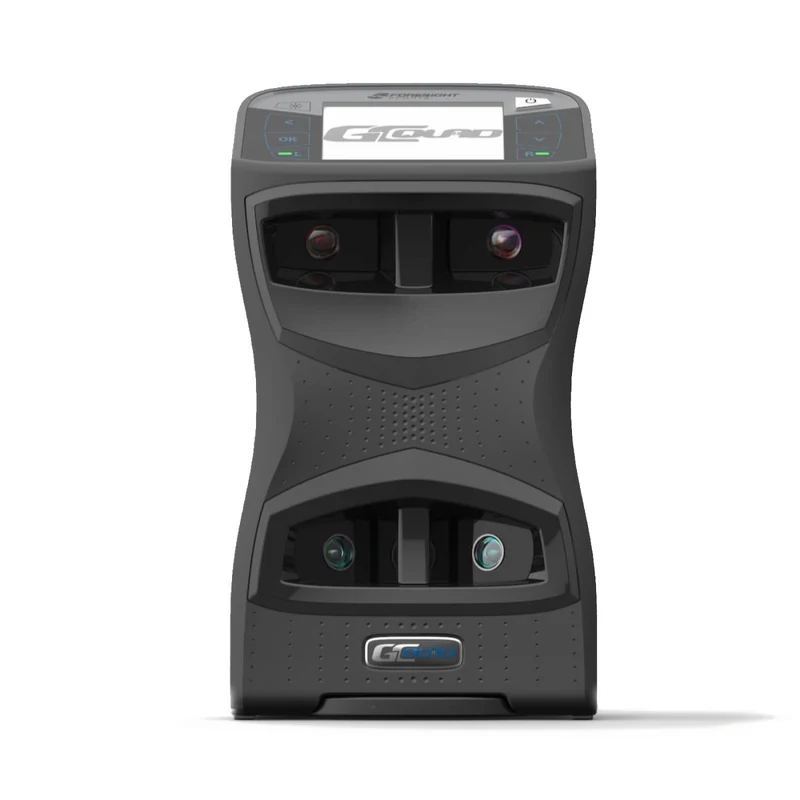
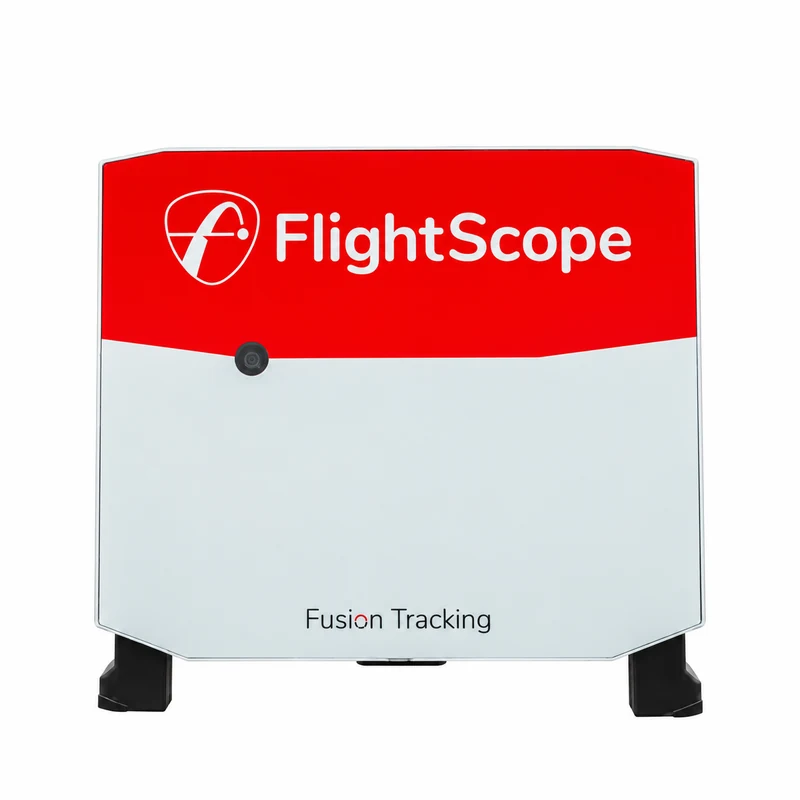
Where do I buy a TrackMan, Foresight GCQuad or FlightScope X3?
It depends on the model (see the Balls or stickers column in the spec table). The Garmin R10 works with normal balls. The Rapsodo MLM2PRO needs RPT balls (Callaway or Titleist) to measure spin, and three come in the box. Square Golf measures spin with marked balls and uses a shaft marker for club data. The Garmin R50 and Bushnell Launch Pro use normal balls but need club-face stickers for club data. Speed-only units (Shot Mate, LM1, PRGR) don’t measure spin.
Do left-handed golfers need to move the launch monitor?
Units that sit behind the ball (Garmin R10, Rapsodo MLM2PRO, Shot Mate, LM1) stay where they are. Units that sit beside the ball (Square Golf, Garmin R50, Bushnell Launch Pro) move to the other side of the ball for a left-hander. Square Golf supplies a left-hand base on request, and the R50 also has a handedness setting. See simulators for left- and right-handed golfers.
Can I pay monthly?
Launch monitor terms explained
Ball speed
How fast the ball leaves the clubface. The biggest single driver of distance.
Club speed
How fast the clubhead is moving just before impact.
Smash factor
Ball speed divided by club speed. A measure of how well you strike it; about 1.5 is excellent with a driver.
Launch angle
The vertical angle the ball starts on, relative to the ground.
Spin rate and spin axis
How fast the ball spins (rpm) and the tilt of that spin, which makes a shot draw or fade.
Carry and total
Carry is the distance in the air; total adds the roll after landing.
Angle of attack
Whether the club is moving down (negative) or up (positive) at impact.
Club path and face angle
The direction the club is traveling and where the face points at impact. Together they set the start line and curve.
Doppler radar
Tracks the ball by bouncing radio waves off it. Good outdoors; usually sits behind the golfer, so it needs depth indoors.
Photometric (camera)
High-speed cameras photograph the ball and club around impact. Usually sits beside the ball and suits shorter rooms.
Measured vs calculated
A measured figure is read directly by the sensor; a calculated one is estimated from other readings. Budget units often calculate spin.
How we choose
Every launch monitor gets a GGL Score out of 100, weighted towards what matters when you are deciding whether to buy. We then compare it with the alternatives at the same price and for the same room.
Factor
Weight
What we look at for launch monitors
Performance
30%
Which data is measured rather than calculated, consistency, and published accuracy comparisons
Value for money
25%
Hardware price plus the subscription or software you need for the job
Ease of use
15%
Setup, alignment, app quality and how forgiving it is of room size
Features
15%
Club data, video, putting, simulator support and built-in screens
Reliability
15%
Battery life, build quality and software stability
95–100: exceptional; 90–94: excellent; 85–89: strong choices with clearer compromises; 80–84: basic or specialist options. Our research-based score weighs features, usability, ownership costs and value. Read each review for the reasons behind the rating.
If the monitor is going into a simulator room, compare the complete package price: enclosure, impact screen, mats and projector included.
PlayBetter is a Golf Gear Lab affiliate partner: we may earn a commission if you buy through these links, at no extra cost to you. It does not change our scores. Prices were checked on Nov 11, 2026.
SkyTrak ST MAX Complete
ST MAX, protective case, enclosure, impact screen, hitting/putting mats, side barriers and projector.
Course play needs a SkyTrak membership after the included first year.
A side-on camera launch monitor for indoor practice, with outdoor capability and no mandatory platform subscription. Independent outdoor test results differ; paid course credits and third-party software costs can apply. Read our review
A strong side-on choice for a dedicated indoor bay, with club data and speed training; software renewals and mixed-handed use need planning. Read our review
A versatile radar-and-camera monitor with useful included software and long battery life; allow substantial room depth and budget for optional club data. Read our review
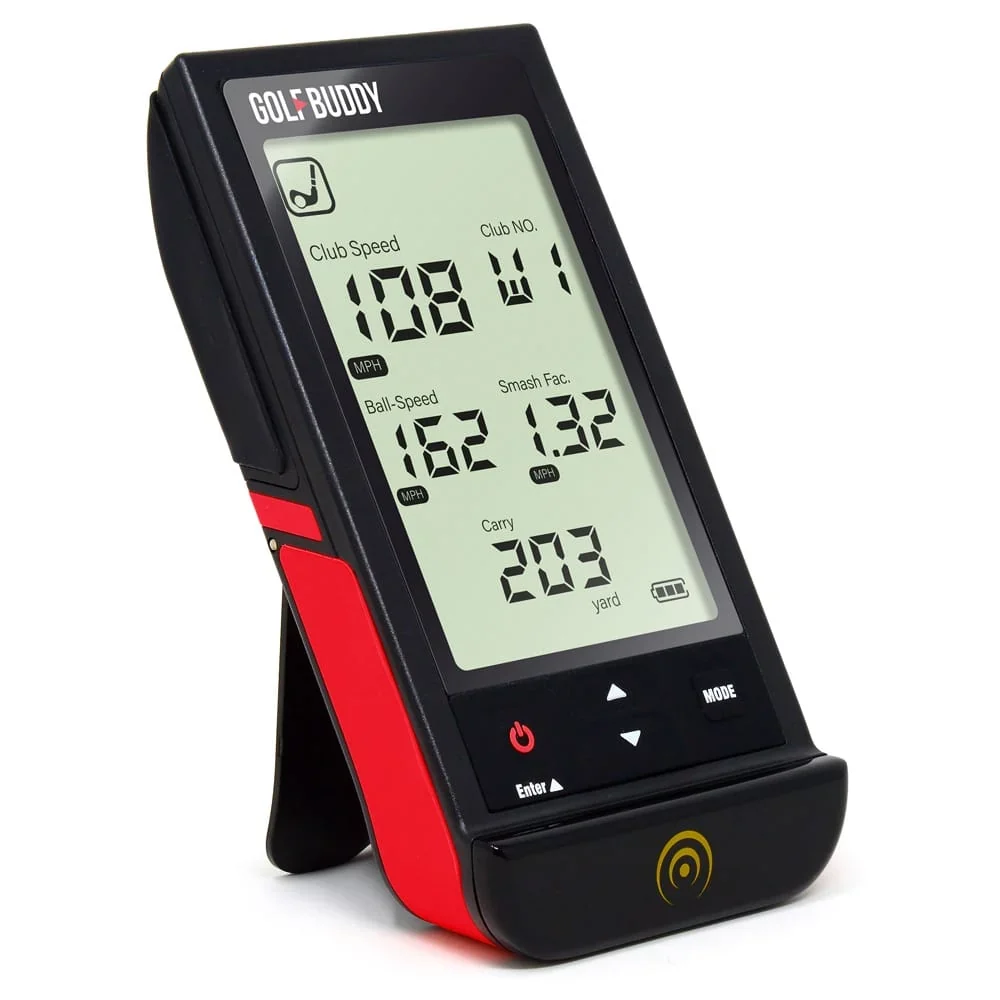
A pocket radar that shows club speed, ball speed, smash factor and estimated distance on its own screen. It needs no app and no subscription. Read our review
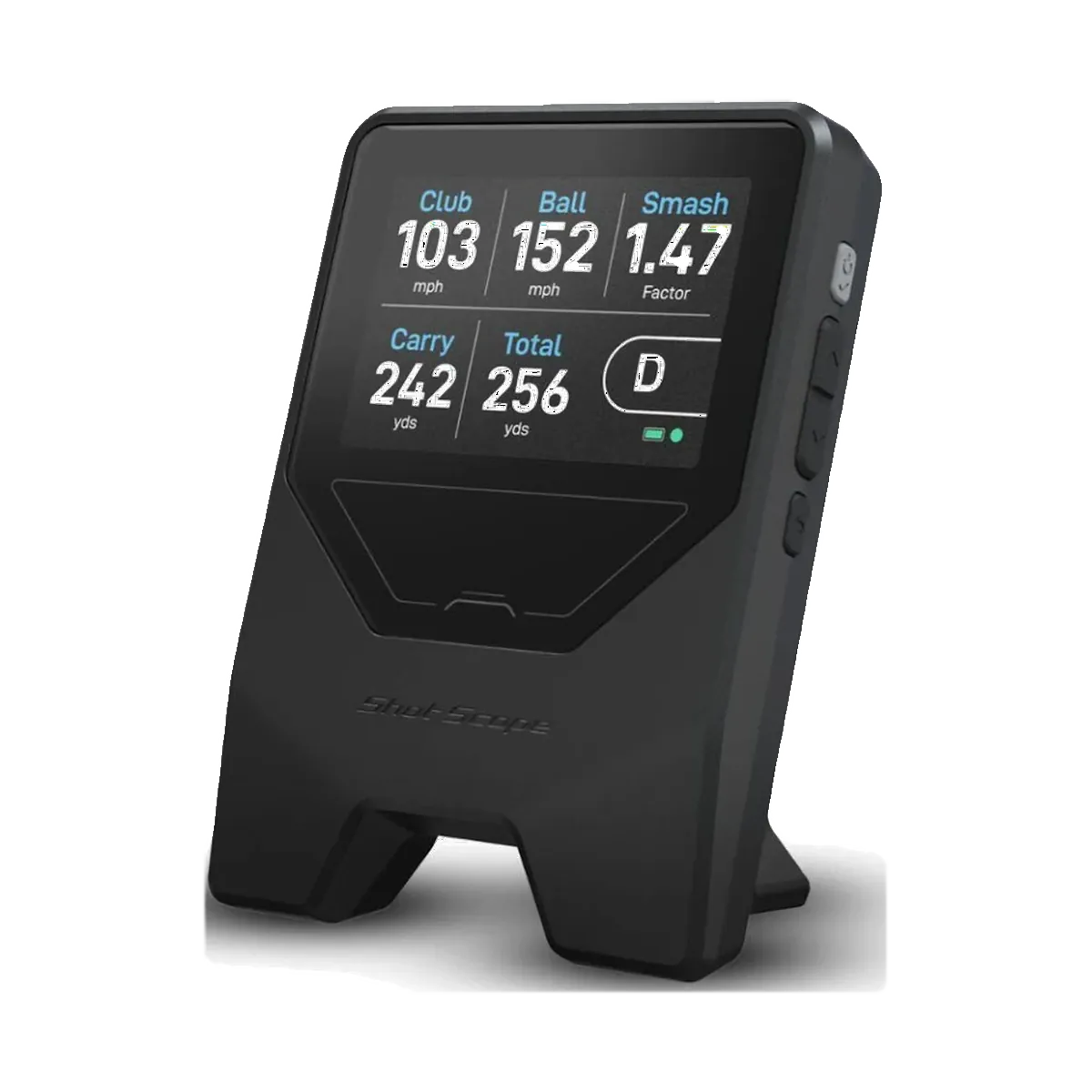
A small radar launch monitor with a color screen that shows club speed, ball speed, smash factor and distance. It is built for range practice and speed training. Read our review
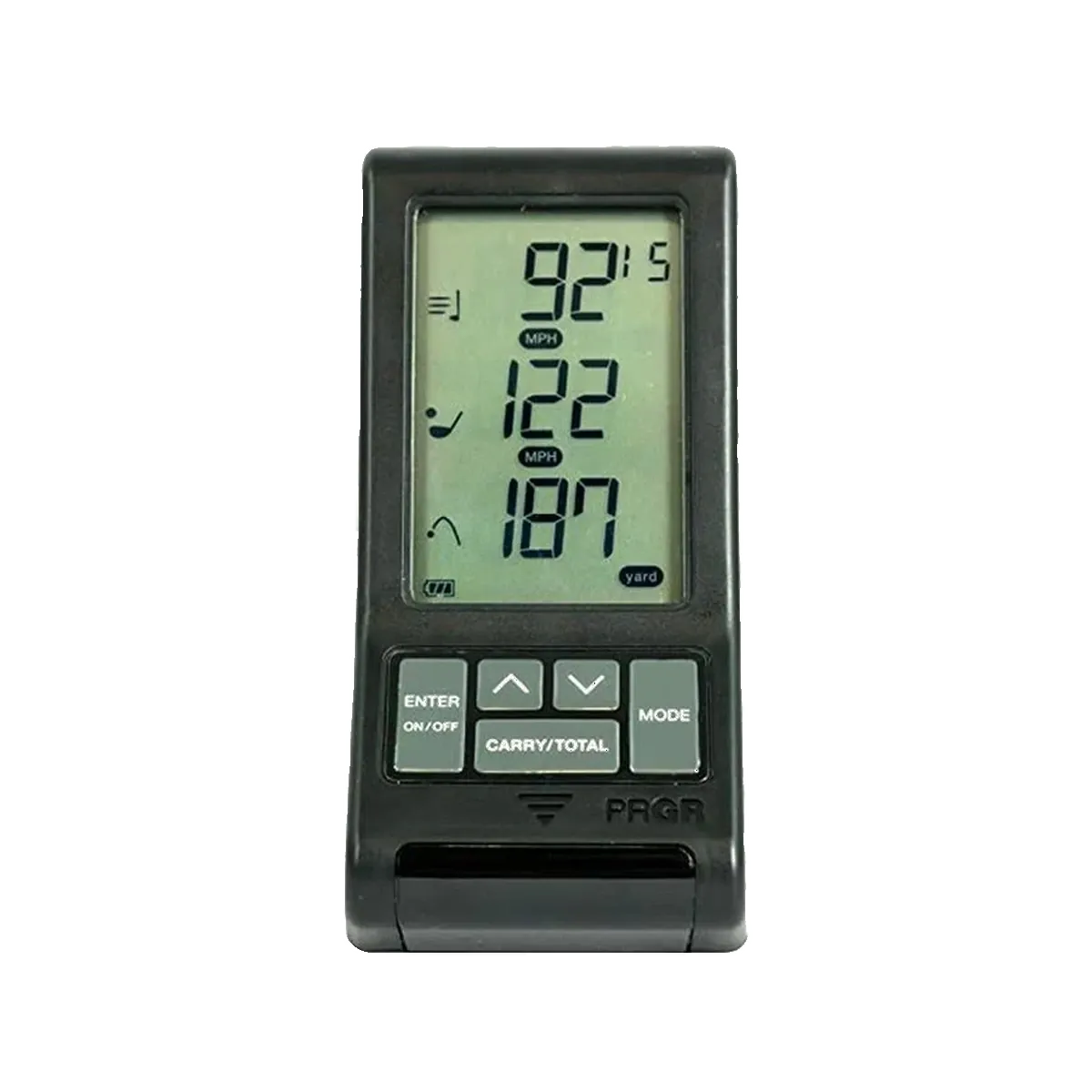
A pocket radar from Japanese brand PRGR that shows swing speed, ball speed, smash factor and distance. It runs on AAA batteries for 30+ hours. Read our review
A premium radar launch monitor with a built-in screen and camera, backed by Tiger Woods. It gives serious data outdoors and in a deep enough room. Read our review
Not sold on Amazon.com. See our review for US availability.
Opens the Amazon.com listing for that model (or Amazon search results where we have no exact listing). Check the exact model, warranty, seller, condition and package contents. Listings, prices and availability can change.
Popular simulator comparisons and cost guides
Use these focused guides to narrow a launch monitor or complete home-simulator decision: