
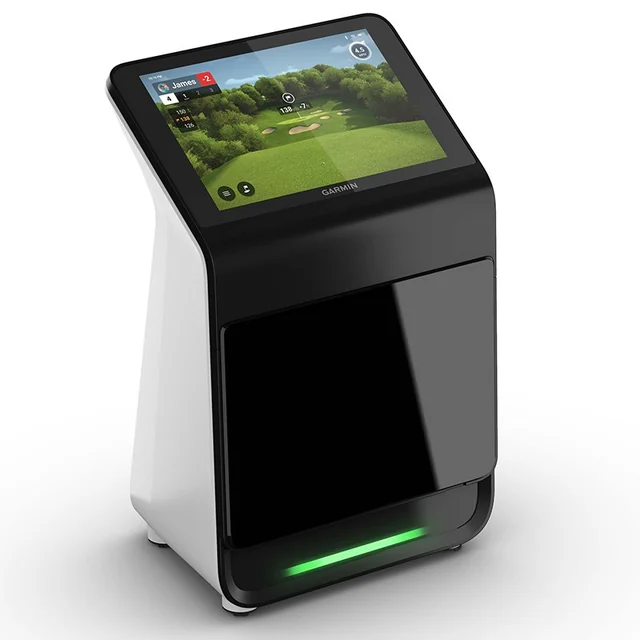
Best all-in-one: Garmin R50
Choose it when the built-in touchscreen and simpler standalone workflow are worth paying for. It is the cleanest route here if you want less dependence on a separate device for everyday practice.
R50 assessment →Four serious camera-based routes for a US home simulator — but they solve the problem differently. This comparison starts with the room and the way you want to use the simulator, then narrows the hardware.
Updated October 16, 2026 · Research-based comparison using the product assessments and room-planning guidance already published by Golf Gear Lab. Check current software, package contents and retailer terms before purchase.Quick verdict · Compare · Room · Packages
Choose it when the built-in touchscreen and simpler standalone workflow are worth paying for. It is the cleanest route here if you want less dependence on a separate device for everyday practice.
R50 assessment →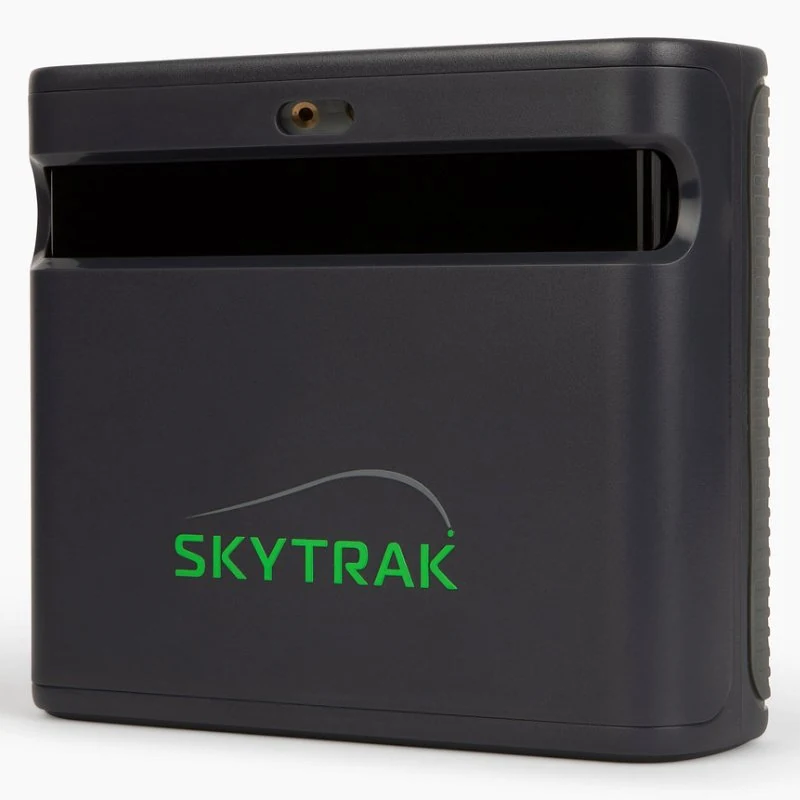
Choose it when the monitor is one component in a permanent simulator and you are happy to build the screen, computer and software experience around it.
ST MAX assessment →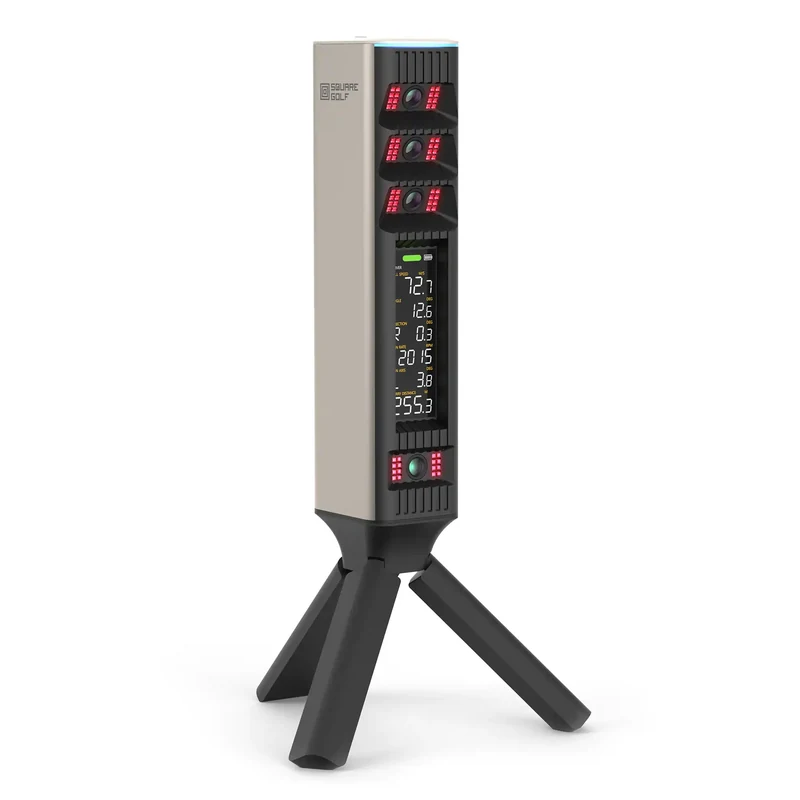
Put it high on the list when value and a camera-based indoor setup matter more than having the R50's integrated display. Compare current software and package requirements carefully.
Square Omni assessment →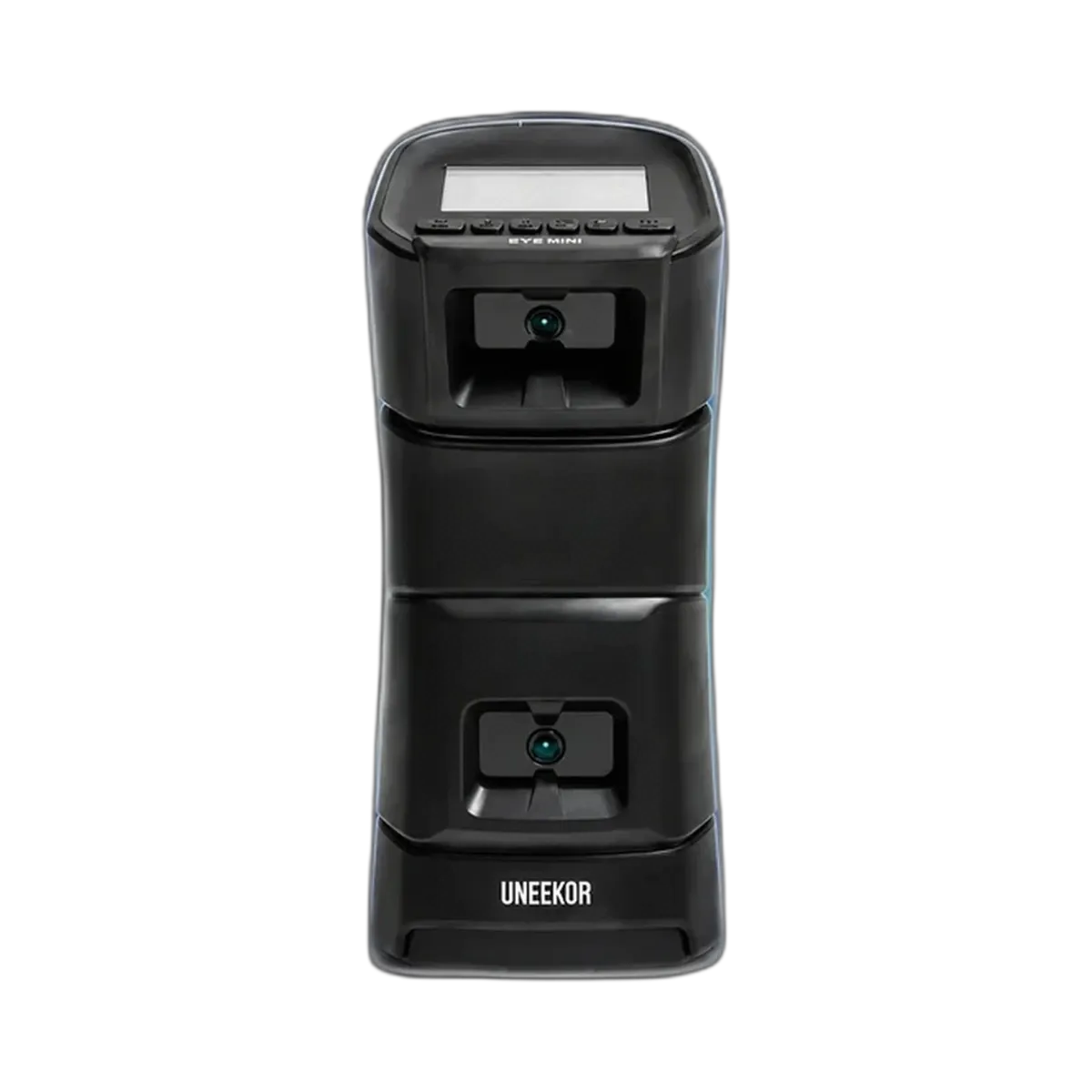
Strongest fit here for the buyer deliberately building a PC-based simulator ecosystem and valuing flexibility more than an integrated all-in-one screen.
EYE MINI assessment →| Buying question | R50 | ST MAX | Square Omni | EYE MINI |
|---|---|---|---|---|
| Best reason to choose it | Integrated touchscreen workflow | Dedicated simulator build | Value-led camera route | PC-led simulator ecosystem |
| Indoor room layout | Beside the ball | Beside the ball | Camera-based indoor route | Beside the ball |
| Separate computer | Not for every native use; third-party software may need one | Plan around a compatible device/software setup | Check the software route you intend to use | Most compelling when a PC is part of the plan |
| Mixed left/right-handed use | Any floor unit beside the ball needs practical consideration when players switch sides. Check placement before committing the room. | |||
| Best next check | Do you value the built-in screen? | Which software/device will drive the bay? | Does the current software package suit you? | Are you comfortable building around a PC? |
All four are more natural candidates for tighter indoor spaces than a radar unit that needs meaningful ball flight and monitor-to-ball depth. But enclosure fit is not the same as safe simulator fit. Check ceiling height, swing clearance, hitting position, screen stand-off and whether both right- and left-handed golfers will use the room.
I want the least complicated premium experience: start with R50. I am building a permanent bay: compare ST MAX and EYE MINI closely. I want to control total spend: investigate Square Omni before paying for premium convenience. I already expect to use a gaming PC: EYE MINI becomes much more compelling.
A cheaper monitor can become the more expensive simulator once the computer, software, projector, enclosure and mat are included. Conversely, paying more for an integrated feature is poor value if you will not use it.
Affiliate disclosure: Golf Gear Lab may earn a commission if you buy through retailer links, at no extra cost to you. Retailer commission does not determine our scores or recommendations.
R50 vs ST MAX · ST MAX vs Square Omni · R50 vs EYE MINI · Square Omni vs R50
These pages form one buying cluster. Start with the four-way guide if your shortlist is still open, or go straight to the closest head-to-head decision.
Check your room first → · Compare complete simulator packages →
Golf Gear Lab’s starting choice is Garmin R50 when the integrated touchscreen and simpler standalone workflow matter most.
Uneekor EYE MINI is the route we would investigate first when a gaming PC and flexible simulator ecosystem are already part of the plan.
Yes. Enclosure dimensions alone do not prove safe simulator fit. Check ceiling height, swing clearance, hitting position, screen stand-off and monitor placement.