room fit and total ownership cost matter more than headline specifications. Use feet, dollars and the software you actually plan to run before narrowing the shortlist.
We now map BYO, Essentials and Complete studio configurations to room size, launch-monitor type and budget. Our scores remain independent of retailer commission.
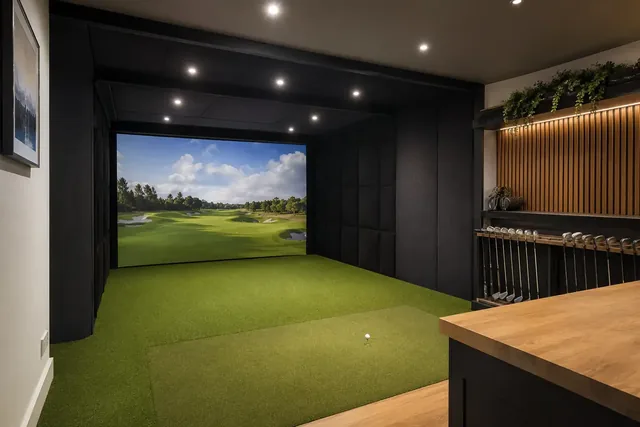
We compared complete home simulator builds for garages, spare rooms and backyard studios, from under $2,000 to premium studios. Pick the room that looks like yours, then compare the builds that fit it.
Amazon links: as an Amazon Associate I earn from qualifying purchases, at no extra cost to you.
GGL 90/100
Best for most garagesSquare Golf roomAbout $3,500–$4,500 complete (Oct 2026)
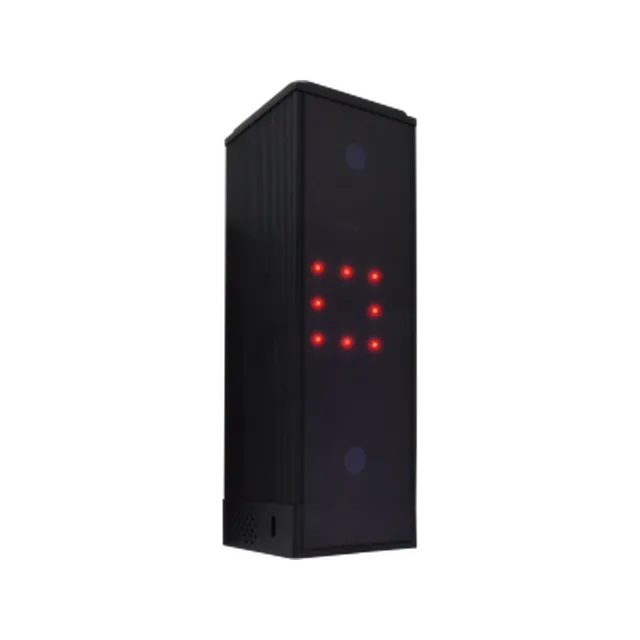
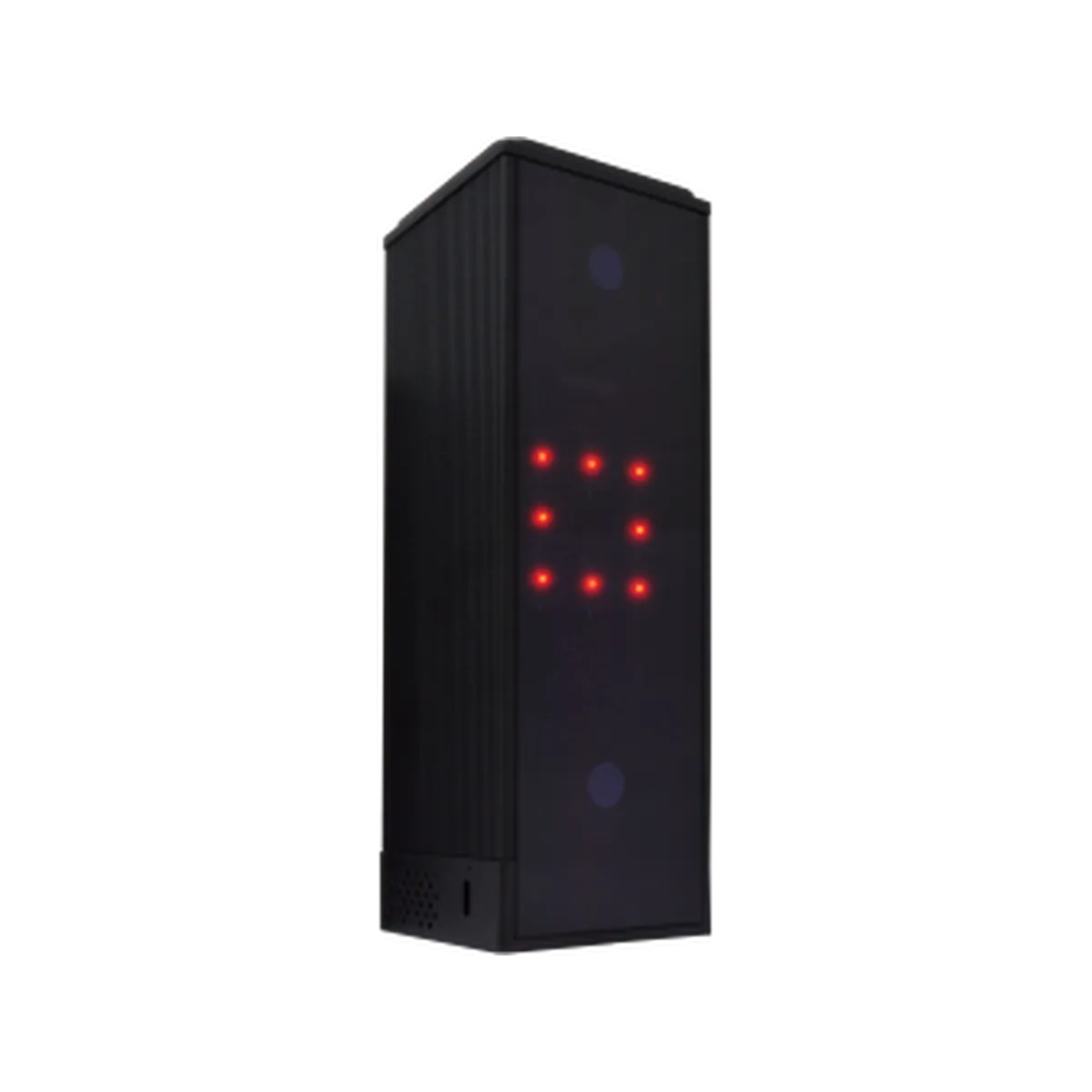
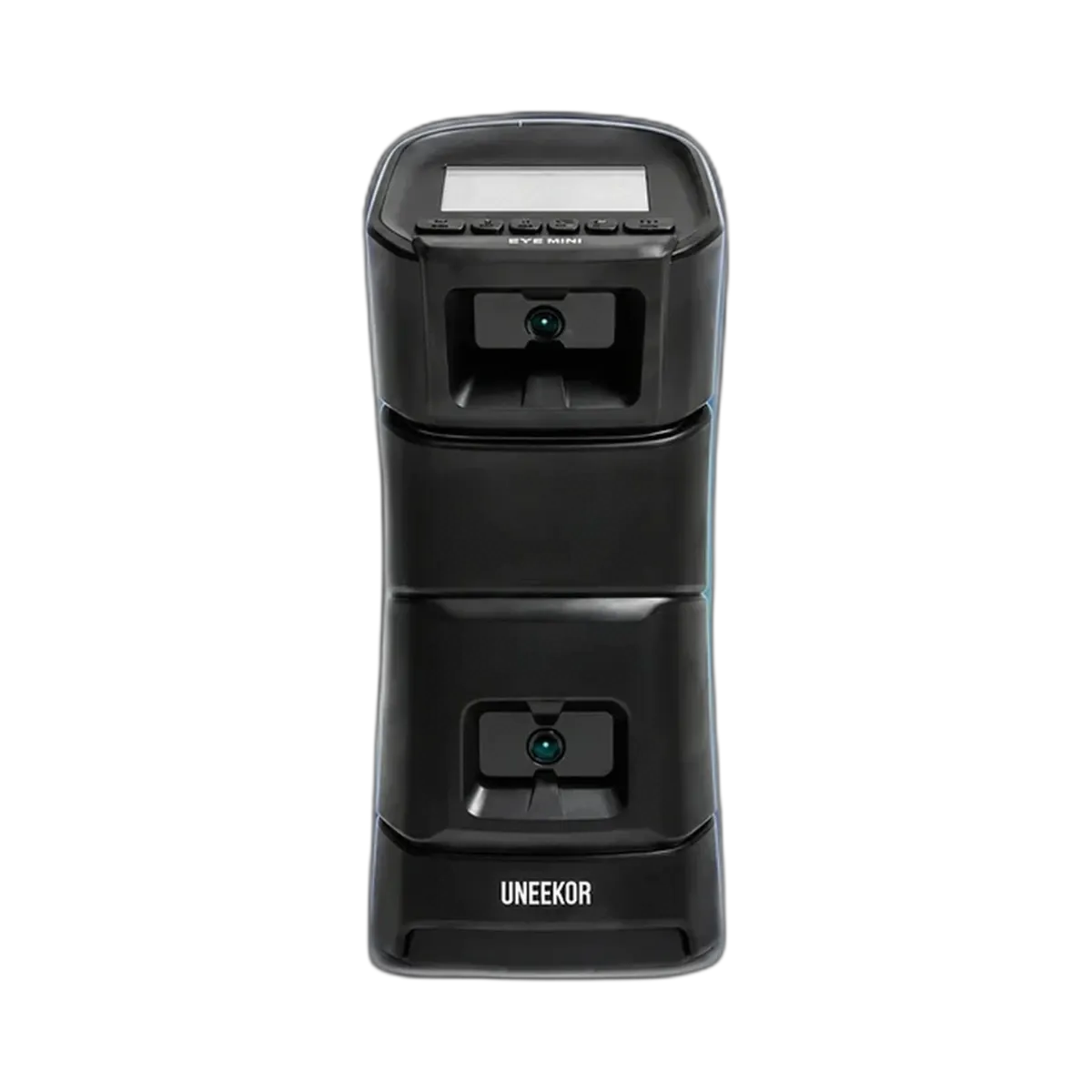
A side-on camera unit that needs no space behind you. Its own app has 22 courses for up to 4 players on credits rather than a yearly plan (about 13 four-player rounds included). Add GSPro, E6 or Awesome Golf for a bigger course library.
Why isn’t the Bushnell Launch Pro studio, our top build score (98/100), a pick? It is the best build for Foresight-grade data and GSPro, but it adds a yearly software plan of a few hundred dollars to a build of about $5,700–$7,500. For most golfers, a Square Golf room or the R50 SimBox gives more of the experience for the money.
Step 1 · Your space
What sort of room are you working with?
Start with the closest match. Each card opens the matching room guide.
Measure the usable hitting area, not the whole room, then enter it in the Room Checker. As a guide, most golfers are comfortable with:
8.9 ft (2.7 m)+ ceiling
11.5 ft (3.5 m)+ width
16.4 ft (5.0 m)+ depth
30–45 cm (17.7 in) behind the screen
Units that sit beside the ball (Square Golf, R50, SkyTrak, Launch Pro) can work in about 3 × 3 m. Lower ceilings of 7.5–8.2 ft (2.3–2.5 m), common in garages, can still work for some golfers after a swing test. Radar behind you needs more depth.
Most people building a garage or spare-room simulator want to play real courses with the family or a group of friends. This is how our main builds compare for that, using each maker’s own software unless stated. The launch monitor decides which software you can use, and the software decides how many people can play, which courses you get and what it costs each year.
Foresight course play with a Silver or Gold plan; GSPro needs Gold
Up to 8 in GSPro
Silver or Gold, plus GSPro at $250 a year
Yes
Once the computer is set up
Party games: Square’s app has closest-to-the-pin and putting games. Awesome Golf (from $14.99 a month, $159.99 a year or $349.99 lifetime) adds closest to the pin, long drive, target games and shootouts, and works with most of these monitors. GSPro and E6 player limits are from the makers’ own guides; Square Golf’s from its software page. Check before you buy, as software changes.
Each build is a launch monitor plus the enclosure, mat, display and software around it, grouped by complete-room budget. The launch monitor is often less than half the cost, so compare the total, the yearly plan and the room it needs as well as the score.
No yearly plan. Course play uses credits: about 13 four-player rounds included, then paid credit packs from the Square app. GSPro, E6 or Awesome Golf extra
No for Square’s app (tablet, phone or PC); yes for GSPro
Short rooms; beside the ball
Build guide →No direct Amazon.com listing linked for this product.Square Golf enclosure bundle ↗
Buying the whole room: “Complete bundle” links go to packages with the launch monitor, enclosure or net and impact screen in one order (check whether a mat, projector, computer and software are included; confirm delivery and returns with the retailer). Package prices depend on the selected size and contents; check the current retailer quote. See shopping lists to compare a bundle with buying the parts. Indicative prices from our build guides, September 2026. Enclosures at $350–$900, projectors at $800–$1,500 and mats at $150–$600 are typical mid-range figures. *Square Golf is scored as a launch monitor; the room is our suggested setup around it. See the complete simulator cost guide or what we’d buy with $10,000.
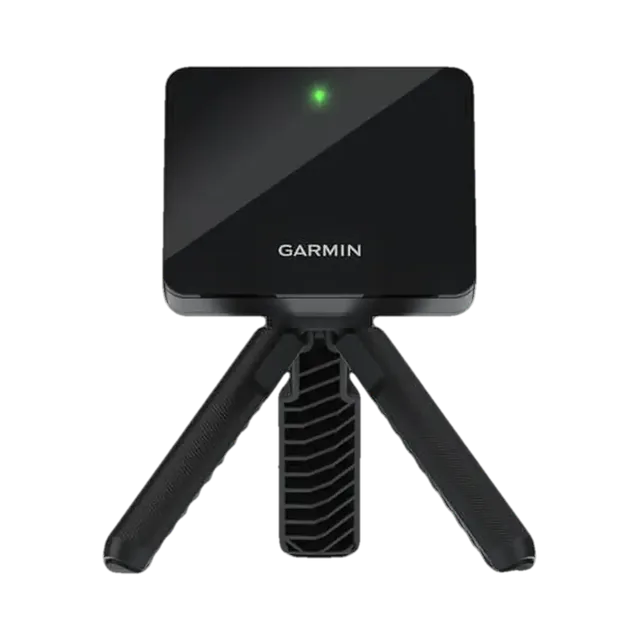
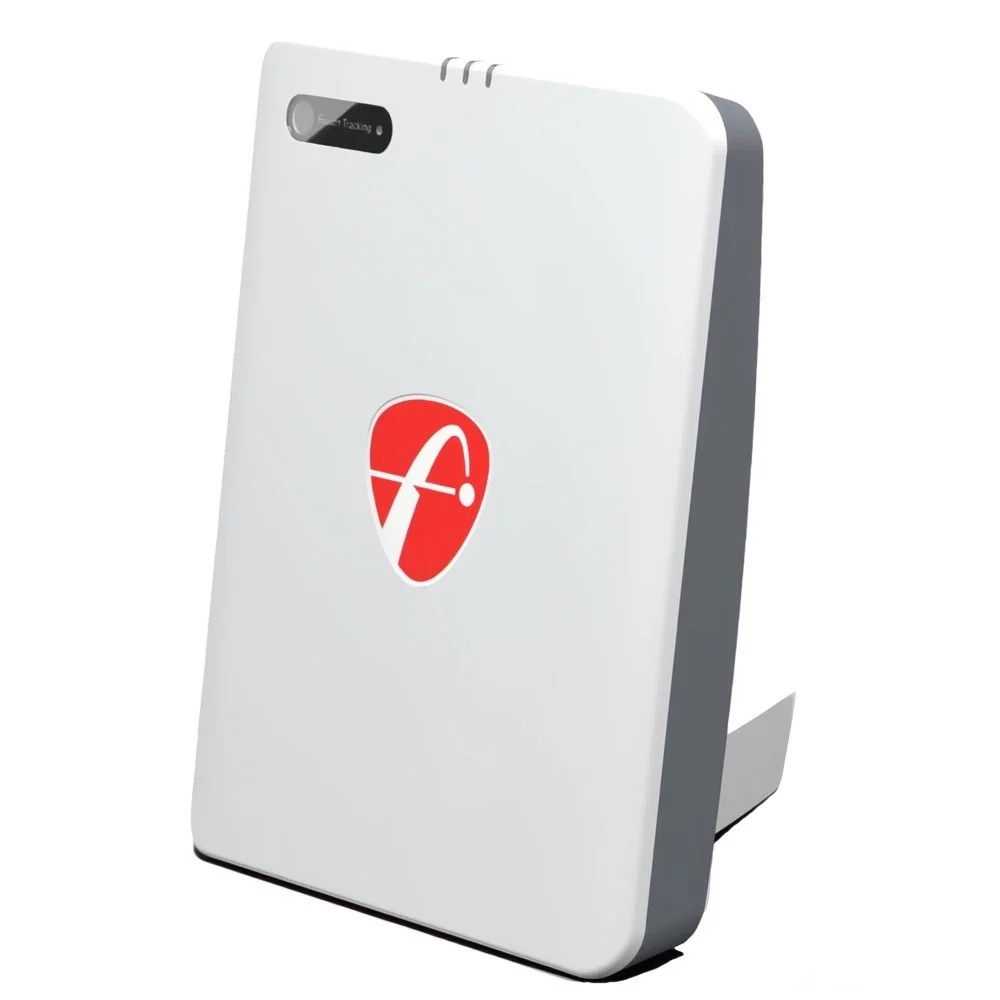
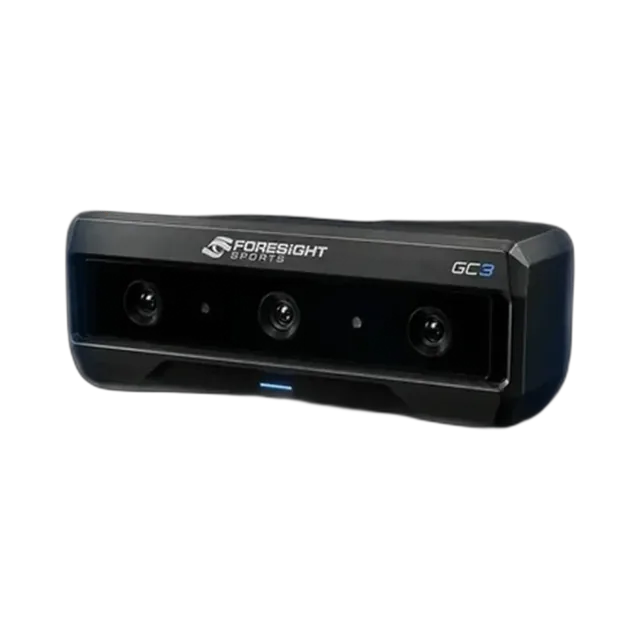
Also in the room chooser: a Square Golf room (about $3,500–$4,500; no mandatory subscription, paid course credits apply) and a Garmin R10 room for deeper spaces. The FlightScope Mevo Gen2 has an evidence-led assessment (91/100). For coaching studios, the Foresight GC3 (96/100) and GCQuad (97/100) are sold through specialist dealers.
The builds in brief
Four builds you can buy the core of today, and who each one suits. Each build guide has the full parts list, pros and cons and sources.
Best all-in-one · no PC needed
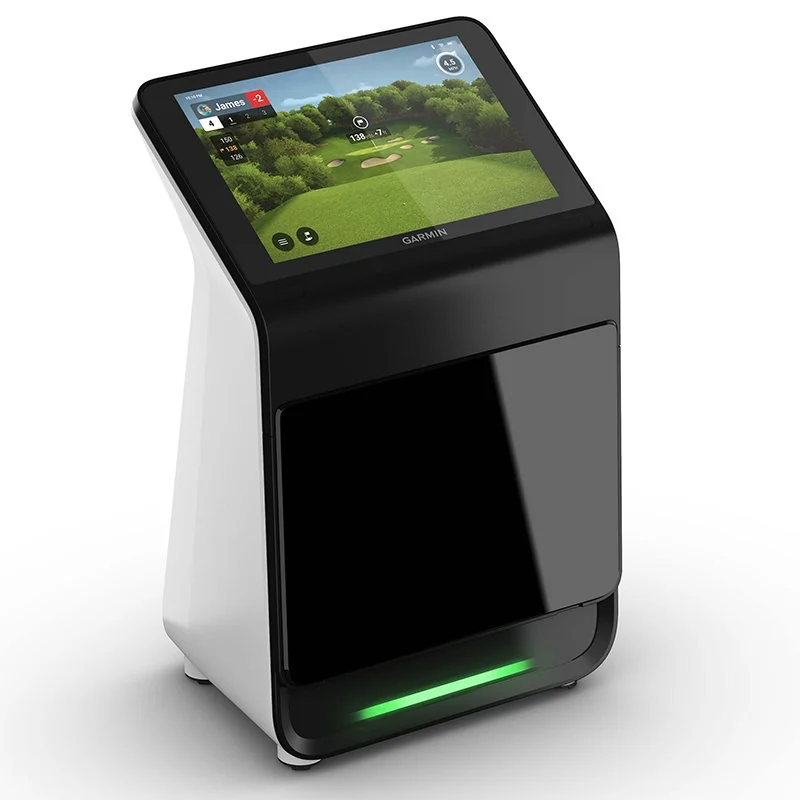
Garmin R50 SimBox build
The simplest premium simulator to live with. The R50 runs the simulator itself and connects straight to a projector, so there is no gaming PC to buy or maintain.
in total · no PC · about 3 × 3 m
Choose this if: You want a premium simulator without running a PC, in a short room.
Consider another option if: Your total budget is under (the MLM2PRO net setup or a Square Golf room), or you want Foresight data (the Launch Pro studio).
Our highest-scoring build, for a premium room in a short garage. The Launch Pro uses Foresight camera technology and sits beside you, so the room needs little depth.
+ · at least 3 × 3 m
Choose this if: You want Foresight-grade data and GSPro in a permanent bay in a short room.
Consider another option if: You do not want a yearly plan (a Square Golf room), you want a unit with its own screen (the R50 SimBox), or your budget is
The lowest-cost route into simulator golf: an MLM2PRO, a net or small screen, a mat and a tablet or TV, for about $1,300–$2,000.
· no PC · at least 14.4 ft (4.4 m) deep
Choose this if: You want simulator golf for Practical gifts have at least 14.4 ft (4.4 m) of depth.
Consider another option if: Your room is shorter (a Square Golf room), you do not want a yearly plan, or you want a big projected picture from day one.
For most garages, a camera unit beside the ball is easiest: a Square Golf room (about $700 no yearly plan; course play uses credits) or, with a bigger budget, the Garmin R50 SimBox build (96/100 no PC). The Bushnell Launch Pro studio build scores highest (98/100) but adds a yearly plan.
How much does a good home golf simulator cost?
A useful net-based practice setup can begin at about $1,300. A complete projected studio commonly costs about $3,500–$8,000, while premium permanent rooms can exceed $25,000.
What is the minimum ceiling height for a golf simulator?
About 2.7 meters is comfortable for a full driver swing for many golfers. Between about 2.3 and 2.5 meters (a typical garage or room) is tight: some golfers clear driver, and most clear irons and hybrids, so swing-test the tallest player at the finished mat height. Low ceilings explained.
Can the whole family play on one simulator?
Yes. Players take turns from the same mat and the software keeps score. Up to 4 can share a round in Garmin Home Tee Hero and Square Golf’s app, and up to 8 in GSPro or E6. Nine holes with gimme putts, or closest-to-the-pin games, suit children and non-golfers. Family and friends guide.
Is radar or camera tracking better indoors?
Camera-based systems generally suit tighter indoor rooms because they measure impact close to the ball. Radar systems can work very well but usually need more ball-flight and unit-to-ball distance.
Can left- and right-handed golfers use the same simulator?
Yes, but central hitting and additional room width make switching easier. Some floor-based camera units may need repositioning, while overhead systems are naturally ambidextrous.
Do I need a gaming computer?
Not always. Some systems run on tablets or have an integrated display. Premium third-party software often needs a capable Windows gaming PC, so include it in the total budget.
Should I buy a package or build the room myself?
A package reduces compatibility risk and simplifies installation. A self-built room gives more control and can offer better value, but only when every component is checked carefully.
Golf simulator terms explained
Launch monitor
The device that measures each shot. It is the heart of a simulator but only part of the cost.
Side-on vs behind the ball
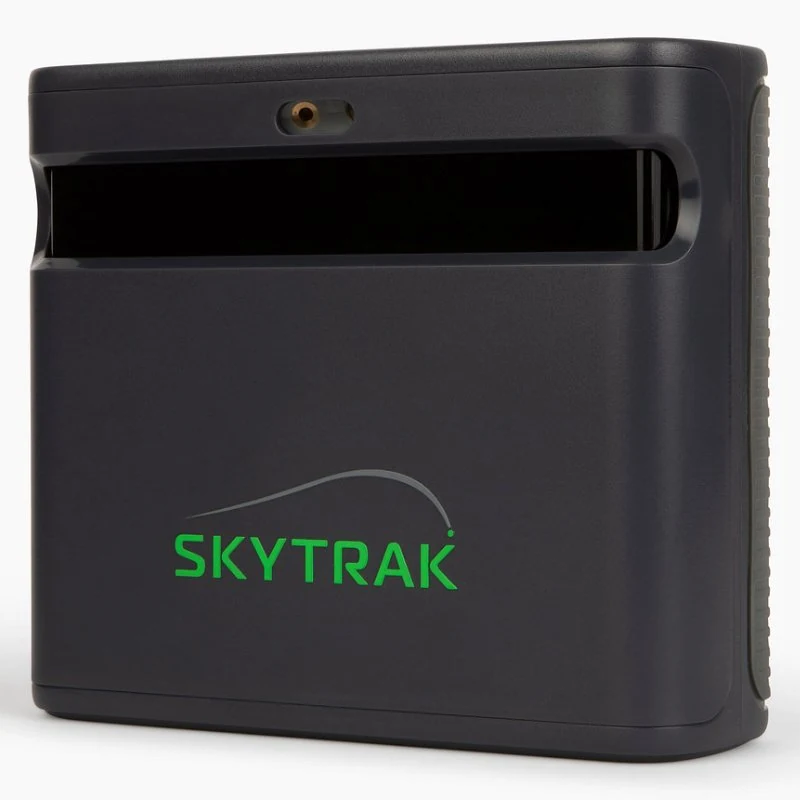
Camera units such as Square Golf, the R50 and SkyTrak sit beside the ball and need less room depth. Radar units such as the MLM2PRO and R10 sit behind you and need more.
Enclosure
The frame, side netting and impact screen that stop the ball and hold the projected picture.
Impact screen
The fabric you hit into. It needs a gap behind it (about 30–45 cm (17.7 in)) so the ball does not hit the wall.
Short-throw projector
A projector that makes a large picture from close to the screen, so it can sit above or near the golfer without casting a shadow.
Throw ratio
How far a projector must be from the screen for a given picture width. Check it before you buy.
Simulator software
The courses and games: the launch monitor’s own app, or third-party software such as GSPro, E6 Connect or Awesome Golf.
Gaming PC
A powerful Windows computer that some software (GSPro, for example) needs. The Garmin R50 runs its own simulator without one.
Yearly plan
A subscription some launch monitors need for courses or full data, such as Rapsodo Premium, SkyTrak plans or Bushnell Launch Pro Silver and Gold.
Hitting mat
Protects joints and floors and lets you take a realistic divot-free strike. Worth spending on.
How we choose
We start with usable room dimensions, then score each complete build out of 100 on the same GGL Score weights we use across the site, looking at the whole room rather than just the launch monitor.
Factor
Weight
What we look at for simulator builds
Performance
30%
Launch monitor data and accuracy indoors, and how well it suits the room
Value for money
25%
Complete-room cost, including yearly plans and any PC
Ease of use
15%
Setup, calibration, day-to-day start-up and switching between players
Features
15%
Courses, practice modes, putting, club data and software choice
Reliability
10%
Hardware build, software stability and warranty
Support and ecosystem
5%
Third-party software support, updates and availability
95–100: exceptional; 90–94: excellent; 85–89: strong choices with clearer compromises; 80–84: basic or specialist options. Our research-based score weighs features, usability, ownership costs and value. Read each review for the reasons behind the rating.
Every pick above can be bought as a matched PlayBetter studio: launch monitor, enclosure, impact screen, mats and projector. Check your room first, then compare the complete price.
PlayBetter is a Golf Gear Lab affiliate partner: we may earn a commission if you buy through these links, at no extra cost to you. It does not change our scores. Prices were checked on Nov 11, 2026.
Garmin Approach R50 Complete
R50, enclosure, impact screen, hitting/putting mats, side barriers and projector.
Built-in touchscreen simulator; no PC needed for native play.
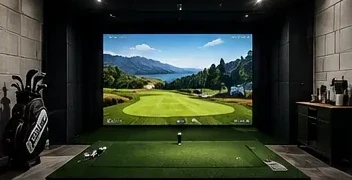
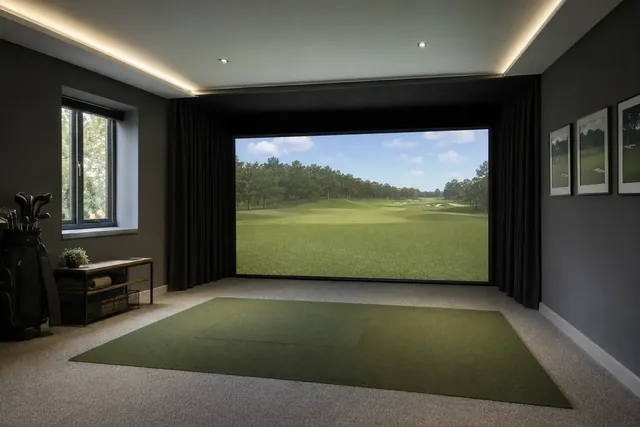
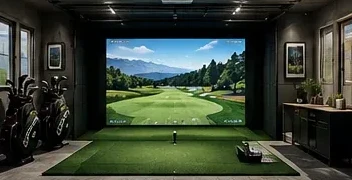
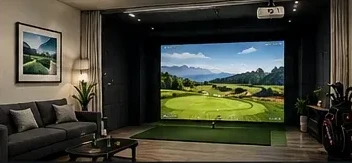
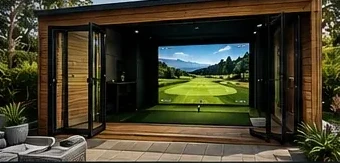
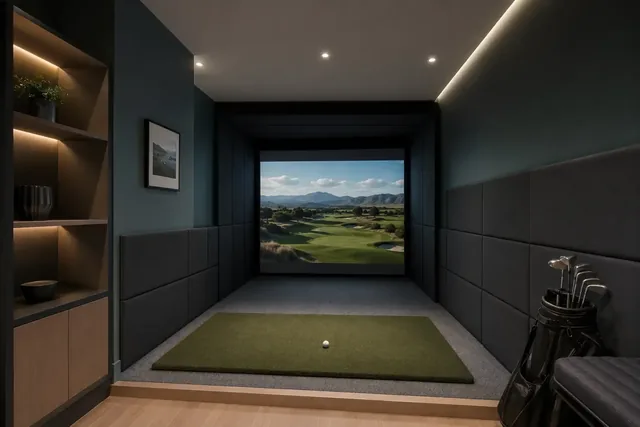
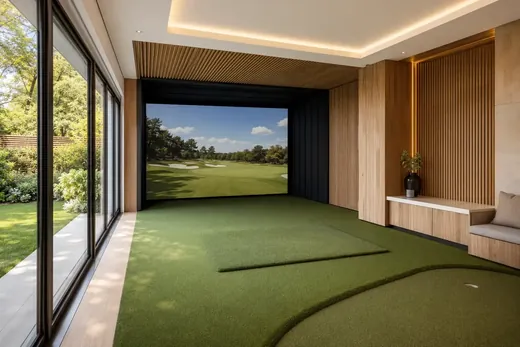
Start with your usable room and playing needs. A garage may need a retractable screen; a basement needs careful ceiling and swing checks; a dedicated studio can support a permanent overhead monitor. Our illustrations are design inspiration, not confirmed fits.
Compare actual packages
The Indoor Golf Shop configurations let you compare portable Garmin R50, overhead ProTee VX and premium Trackman iO routes. Specify the exact monitor edition, enclosure, mat, projector and PC before treating a package as complete.
Check the costs after installation
Separate hardware, installation and software renewals. Confirm model availability, seller warranty terms and the selected course-play license. Our assessment can explain the technology, but package contents and purchase terms need their own checks.
A sensible first launch monitor for golfers who want useful practice data, portability and simulator potential without moving into premium pricing. Read our review
A versatile radar-and-camera monitor with useful included software and long battery life; allow substantial room depth and budget for optional club data. Read our review
A three-camera launch monitor that sits beside the ball and measures club data directly. It brings Foresight’s studio technology to serious home simulators. Read our review
Opens the Amazon.com listing for that model (or Amazon search results where we have no exact listing). Check the exact model, warranty, seller, condition and package contents. Listings, prices and availability can change.
Prefer to build it yourself?
A complete package from a specialist is simplest. If you would rather buy the parts, start with a launch monitor we rate, then add these.
Hitting matAround 5 × 4 ft, with a replaceable strike strip if you practice a lot.Browse on Amazon ↗
Impact screenMatch the screen to your projector throw and room width.Browse on Amazon ↗
EnclosureFrame, screen and side netting together; check the height first.Browse on Amazon ↗
Practice netThe low-cost route if you do not need a projected course.Browse on Amazon ↗
Short-throw projectorShort throw keeps the projector out of your swing.Browse on Amazon ↗
These open Amazon.com searches, not listings we have assessed. Check the exact model, size, seller, warranty and return terms. Prices and availability change.
Start with how you will use the room: Square for value, R50 for premium simplicity, ST MAX for a serious sub-$5,000 route, and an overhead system for a permanent mixed-handed family room. Then check room fit before comparing specifications.