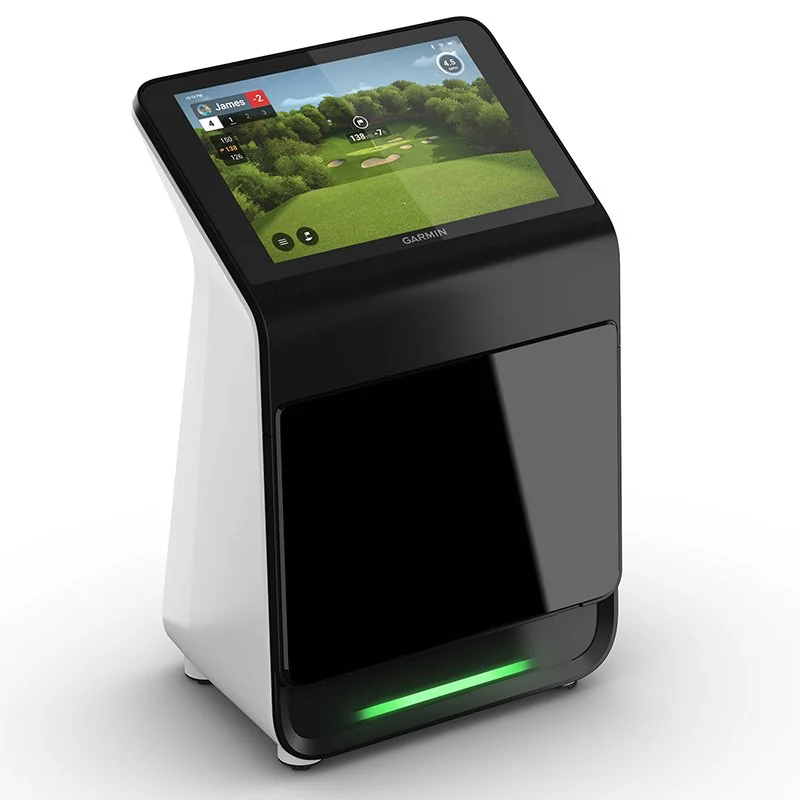
Garmin Approach R50
Choose the R50 for its built-in display and all-in-one simulator route.

Some links on this page are affiliate links. We may earn a commission if you buy, at no extra cost to you. How this works.
Garmin R50 is the cleaner all-in-one option. SkyTrak+ remains a strong value choice for golfers building a dedicated simulator around separate software and screen decisions.
Scores use the single Golf Gear Lab rating system and are shown out of 100.
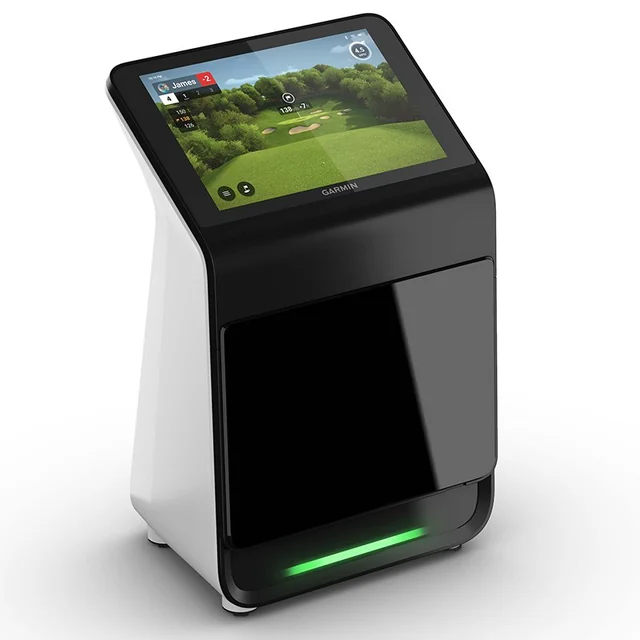
Choose it if you want one unit with a built-in screen and simulator.
Choose it if you find new stock at a clear discount; otherwise we would buy the ST MAX.
PlayBetter is an authorized dealer and an affiliate partner; we may earn a commission at no extra cost to you. The retailer never changes our verdict.
For an indoor golfer wanting an all-in-one premium experience, Garmin R50 is the more self-contained route because the display and simulator functions reduce reliance on separate hardware. SkyTrak+ is the more focused launch-monitor route and can make sense when you already have—or want to choose—your own screen, computer and simulator ecosystem.
Reviewed August 25, 2026. Product specifications and installation requirements can change; verify model-specific requirements before buying.
Choose the R50 for its built-in display and all-in-one simulator route.
Consider SkyTrak+ only if its software and remaining availability suit you.
| Category | Garmin Approach R50 | SkyTrak+ |
|---|---|---|
| Overall rating | 94/100 | 91/100 |
| Best for | Integrated display and simulator | Older camera-based setup |
| Value | Strong | Strong |
| Decision | R50 for all-in-one use | Check current availability |
Garmin R50 is the cleaner all-in-one option. SkyTrak+ remains a strong value choice for golfers building a dedicated simulator around separate software and screen decisions.
For most buyers, the better choice is the one that fits the room, intended use and total ownership cost—not simply the product with the longer specification list.
You want a premium all-in-one experience and value having a large built-in display as part of the launch-monitor workflow.
You want a side-of-ball simulator solution and prefer to build the rest of the room around your own screen, display and software choices.
Both avoid the long behind-the-ball radar layout, making them attractive for many home rooms; swing clearance and screen distance still need checking.
Compare the complete installed setup, not just device prices: enclosure, mat, projector/display, software and any ongoing fees can materially change the final cost.
The comparison above covers the main differences. Use these checks on your own room, round and budget before ordering.
| Decision factor | What Golf Gear Lab checks |
|---|---|
| Room fit | Check device placement, ball flight and total room depth before buying. |
| Data & feedback | Compare the measurements and practice feedback you will actually use. |
| Software & subscriptions | Include required apps, memberships and simulator software in the decision. |
| Extra equipment | Allow for a phone/tablet, PC, projector, mat, net or screen where applicable. |
| Ownership cost | Compare purchase price plus required extras and recurring costs, not headline price alone. |
| Where it works best | Decide whether your priority is garage, backyard studio, range, outdoor practice or a full simulator. |
As an Amazon Associate I earn from qualifying purchases, at no extra cost to you.
Check PriceThe most complete all-in-one home launch monitor we cover. Camera tracking, a 10-inch touchscreen and Garmin’s simulator are built in, so you don’t need a gaming PC. It is hard to justify if you only want range numbers. Read our review
This comparison was prepared by Golf Gear Lab using the central product catalog, published manufacturer specifications, current availability and existing Golf Gear Lab product reviews. We do not claim hands-on testing where it has not taken place.
Reviewed August 11, 2026 · By Golf Gear Lab
Return to the launch-monitor hub to compare the wider shortlist, or use the Finder to narrow the choice by room, budget and intended use.
Best Golf Launch Monitors 2026 → · Use the Launch Monitor Finder →
Being replaced by the SkyTrak ST MAX, and now heavily discounted where it is still in stock. We recommend the ST MAX for new buyers. Read our review
Check PriceOpens the Amazon.com listing for that model (or Amazon search results where we have no exact listing). Check the exact model, warranty, seller, condition and package contents. Listings, prices and availability can change.
R50 is designed as a more self-contained premium system with a large built-in display. SkyTrak+ is a more conventional launch monitor that depends more heavily on a connected device and software ecosystem.
R50 has a major convenience advantage because of its integrated display and native workflow. Your preferred simulator software may still change what additional hardware is needed.
Both use side-of-ball placement rather than requiring a long radar run behind the golfer, making them candidates for rooms where depth is limited.
Subscription and software costs matter because they accumulate. Compare the exact software and course access you want over several years rather than only the purchase price.
Choose R50 if all-in-one convenience is worth the premium. Choose SkyTrak+ if you prefer a lower-cost route and are comfortable building the rest of the simulator around it.
Choose the better launch monitor first, then compare the complete studio price for Garmin Approach R50 or SkyTrak+: enclosure, impact screen, mats and projector included.
PlayBetter is a Golf Gear Lab affiliate partner: we may earn a commission if you buy through these links, at no extra cost to you. It does not change our scores. Prices were checked on Nov 11, 2026.
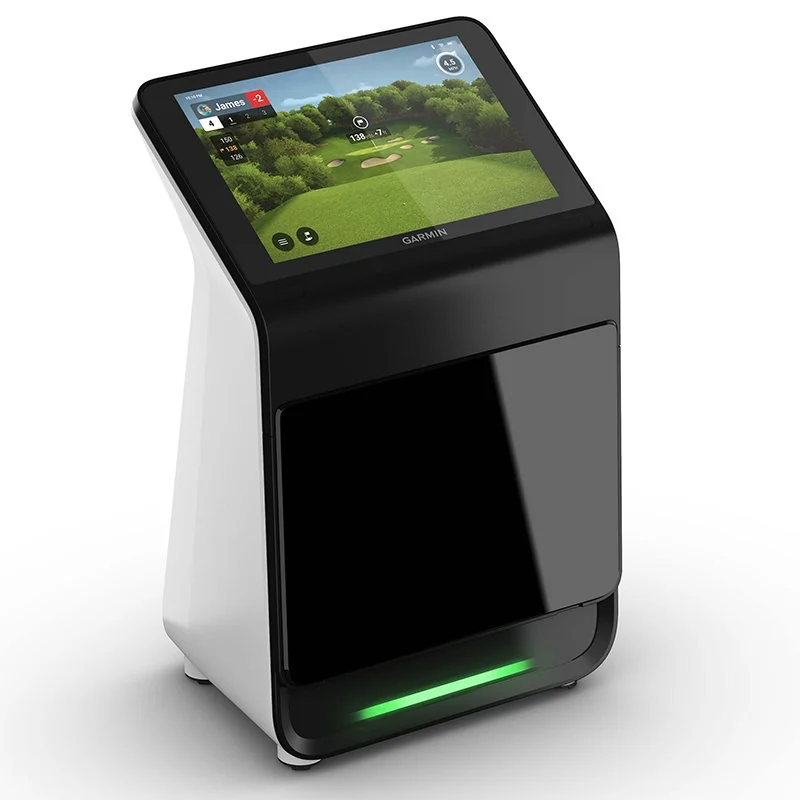
R50, enclosure, impact screen, hitting/putting mats, side barriers and projector.
Built-in touchscreen simulator; no PC needed for native play.
Check PriceR50 Complete from $8,195 · historical promotional guide price, checked Nov 11, 2026Read our assessmentSkyTrak+, protective case, enclosure, impact screen, hitting/putting mats, side barriers and projector.
Previous generation, heavily discounted while stock lasts.
Check PricePlayBetter now lists this studio with the SkyTrak ST MAX: Complete from $4,695 · checked Nov 11, 2026Read our assessmentNot sure it fits? Check your room · Find my simulator · Compare every package