
Core launch monitor
Garmin Approach R50
The premium choice to consider when integrated display, indoor simplicity and a polished permanent room matter.
GGL Scores and attributed testing summaries come from our existing research library. Some original value judgments reflect the source market. Confirm the exact US model, licence, availability and warranty before choosing.
A permanent projected studio with a premium core monitor, properly allocated component budget and fewer compatibility compromises.
For this simulator journey we prioritise complete packages. Individual launch-monitor shopping belongs in our separate Launch Monitors section.
SkyTrak+ has been replaced by the ST MAX: see the ST MAX → Garmin Approach R50 launch monitor (core of the setup) → Foresight GC3 launch monitor (core of the setup) →Not sure? Enter your room dimensions →Prices and availability change. Treat this as an allocation framework and confirm every current product requirement before ordering.
The exact total depends heavily on the room and installation. A plan should feel like one integrated system, not a premium monitor surrounded by compromised components.
The premium choice to consider when integrated display, indoor simplicity and a polished permanent room matter.
The value alternative that releases more budget for the enclosure, mat, projector and room finish.
| Part | Planning allowance | What matters |
|---|---|---|
| Launch monitor | + | Data, room fit and ownership model |
| Premium enclosure and screen | Safety, image quality and durable installation | |
| Hitting/stance system | Comfort and replaceable strike section | |
| Projector and mount | Correct throw, brightness and resolution | |
| Computer/display/software | Required specification and subscriptions | |
| Room works and contingency | Power, lighting, acoustic treatment and installation |
These are planning examples, shown with example finished-room configurations so you can compare the type of setup rather than isolated hardware. Choose a practice bundle if you only need a monitor plus net/screen, or a complete simulator for an enclosure-and-screen room.
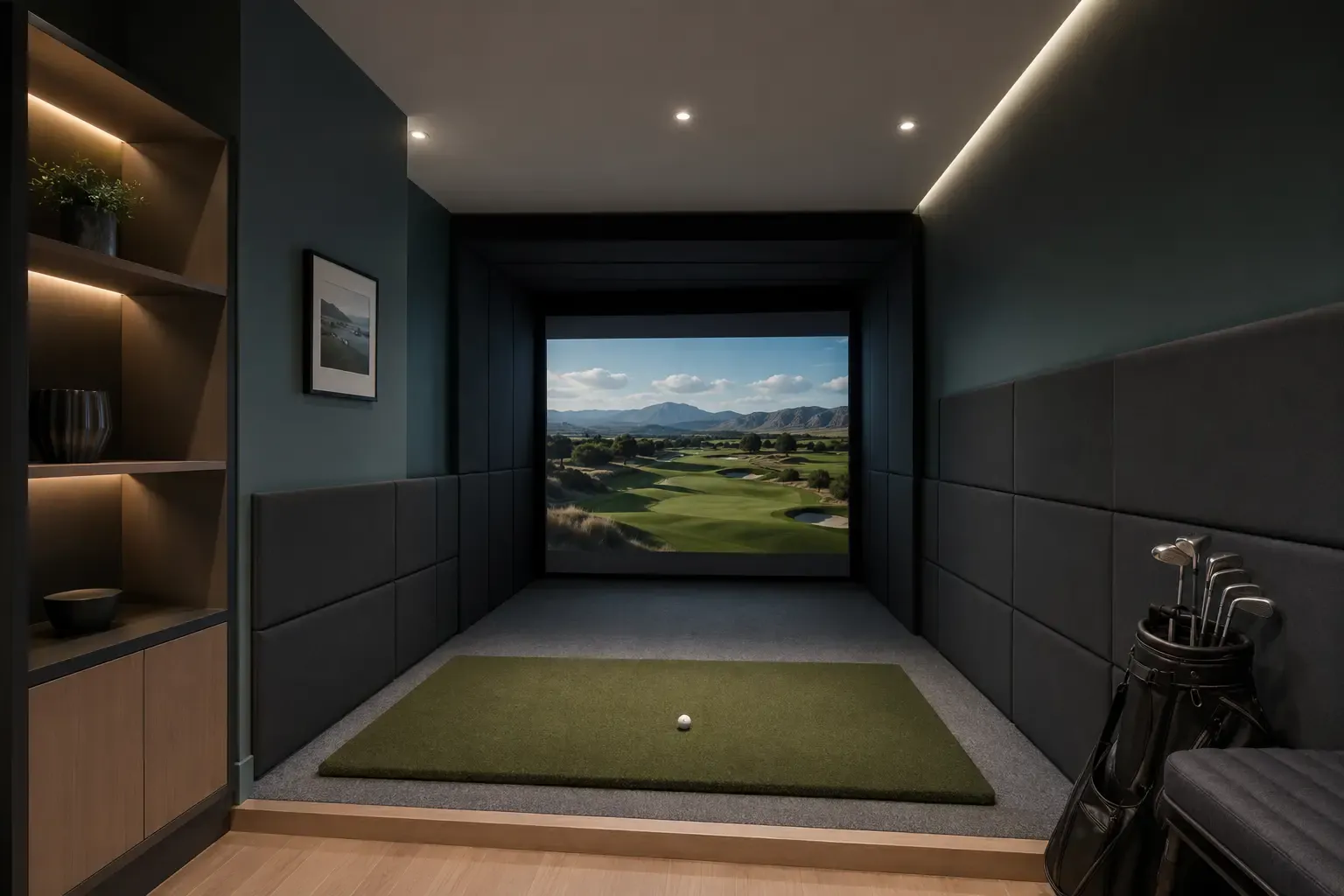
Strong indoor-first projected-room choice
Bundles at SimSpace Golf: the launch monitor with a net, or with an enclosure and impact screen in several room sizes. A projector, PC or software is usually extra. The SkyTrak+ is being replaced, so these links go to the ST MAX bundles.
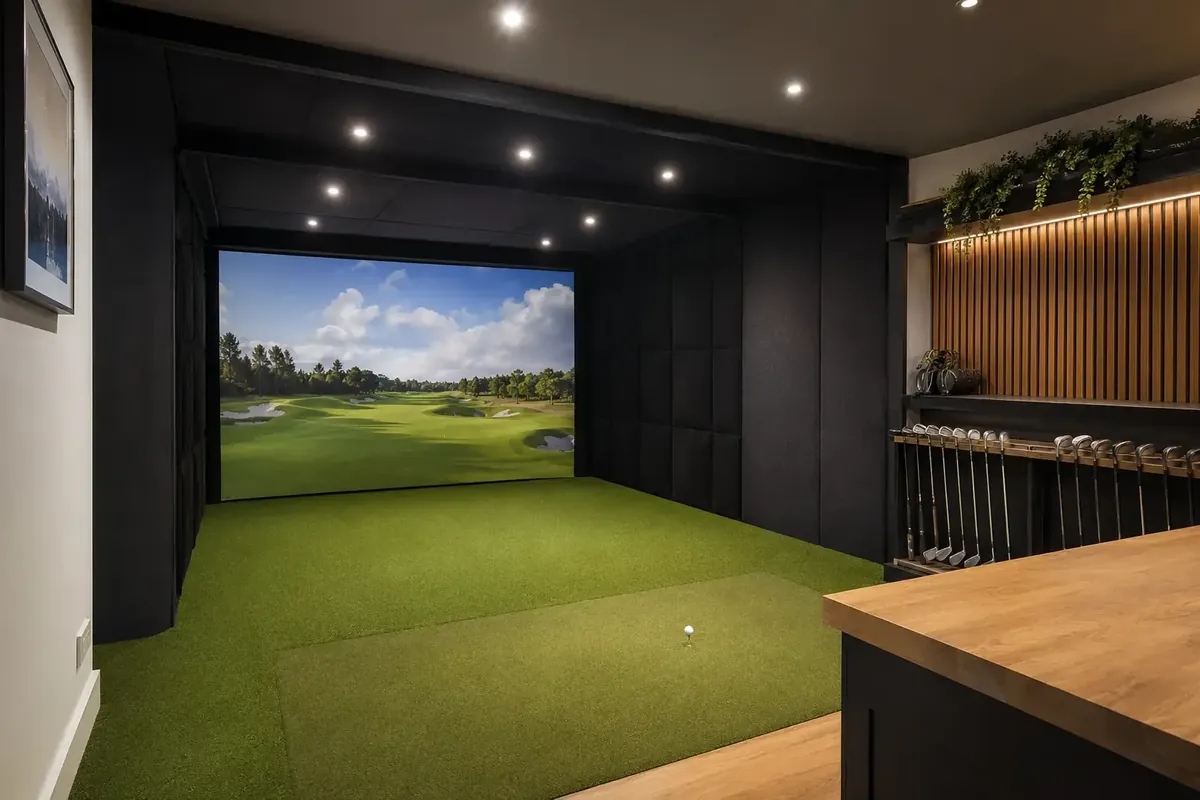
Premium all-in-one route
Bundles at SimSpace Golf: the launch monitor with a net, or with an enclosure and impact screen in several room sizes. A projector, PC or software is usually extra.
Premium accuracy-led dedicated studio
Bundles at SimSpace Golf: the launch monitor with a net, or with an enclosure and impact screen in several room sizes. A projector, PC or software is usually extra.
Prices and availability can change. Use the links to check the latest package contents and current price at SimSpace Golf.