
First setup
Charge it fully, update maps or firmware, and set your preferred distance units before the first round.
GGL Scores and attributed testing summaries come from our existing research library. Some original value judgments reflect the source market. Confirm the exact US model, licence, availability and warranty before choosing.
Home › Golf simulators › Uneekor Eye Mini Lite studio
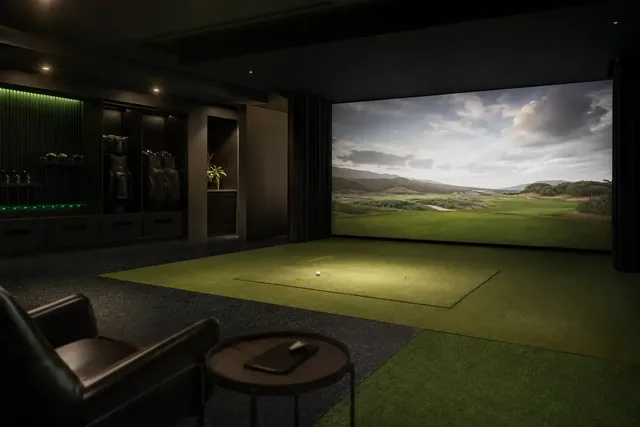
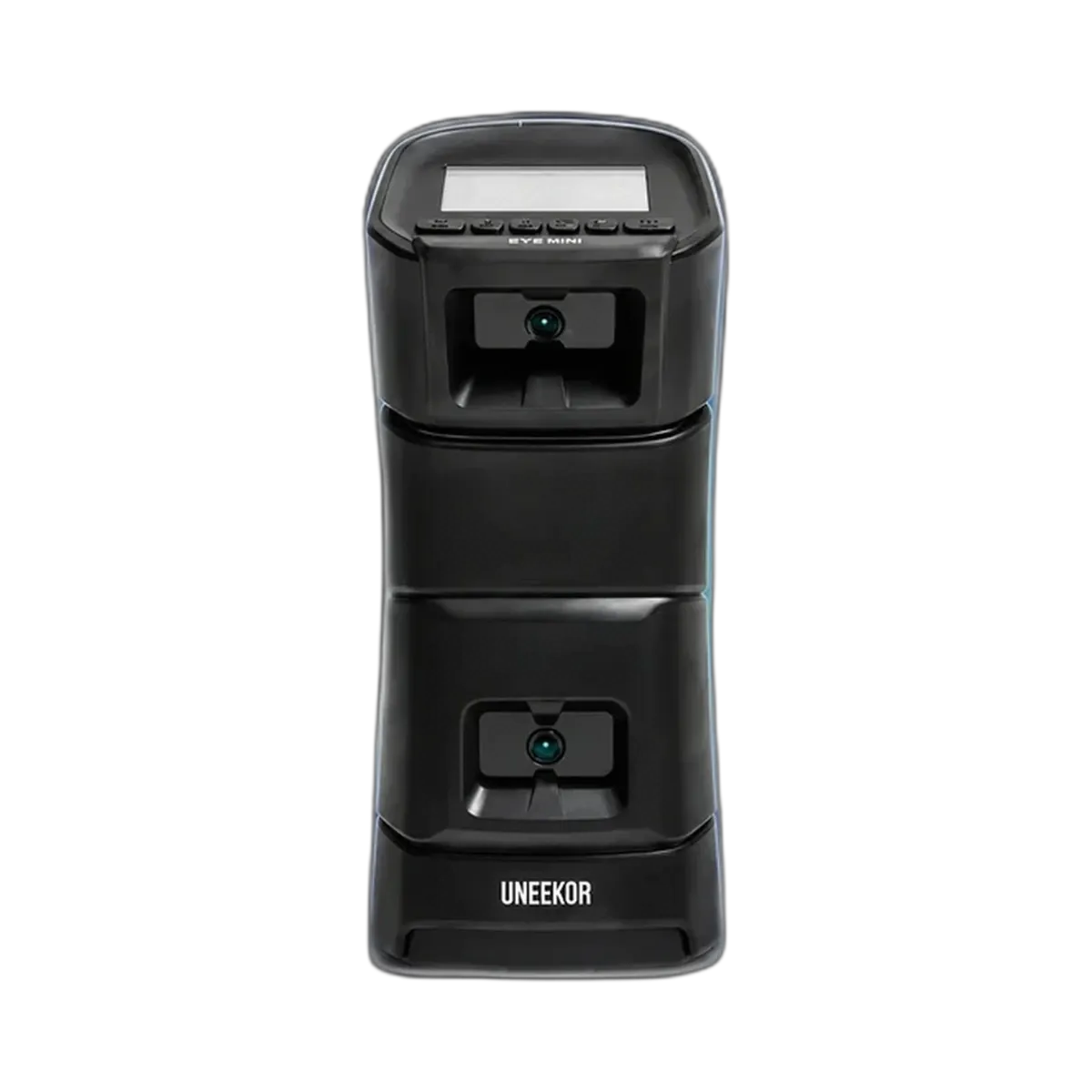
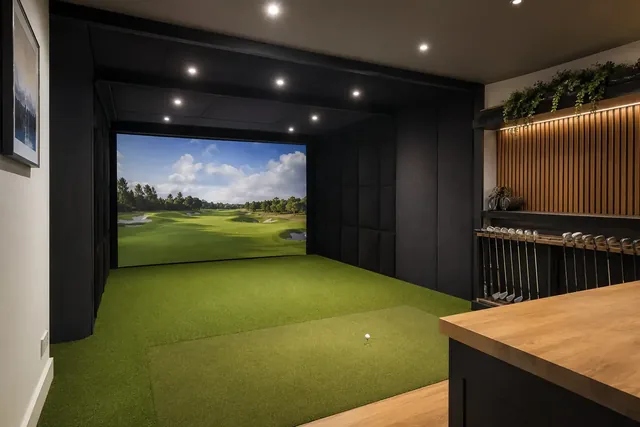
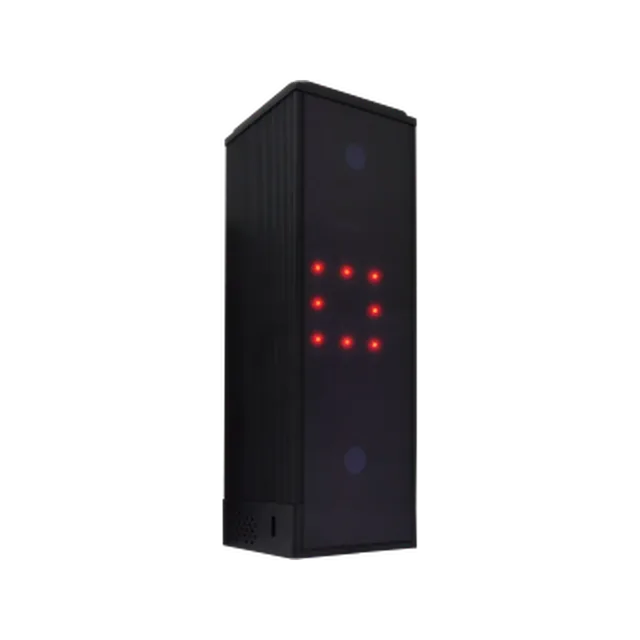
A permanent simulator bay built around the Uneekor Eye Mini Lite, which sits beside the ball and reads the ball’s dimples. It needs mains power and a wired PC.
Uneekor describes LITE as a fixed indoor ground unit using Ethernet. The included Player package provides the starting software tools; additional features such as REFINE and GAMEDAY need a subscription upgrade. Club measurements require club stickers. Confirm computer compatibility and the exact course software in the full setup.
These specific US details checked October 6, 2026. Product scores and historical testing reports have not been recalculated.
A strong camera-based bay if you are happy running a PC. The Lite is cheaper than the Eye Mini, but it needs a powerful gaming PC, which adds to the cost.
Our verdict: shortlist Eye Mini Lite for a dedicated indoor bay where you are comfortable running a Windows PC. If you want a self-contained screen or outdoor range use, this is the wrong model to choose for that need.
This page describes our suggested studio build; it is not a boxed package, retailer quote or hands-on test. The studio assessment score does not establish an accuracy advantage over another launch monitor.
Lower monitor expenditure is not automatically a cheaper complete setup. Include the PC, screen or net, mat, protection and software in the same basket. If you already own a suitable PC, record only additional costs; if not, obtain a compatible configuration quote first.
The portable Eye Mini and the mains-powered Eye Mini Lite have different buying roles. Do not assume the Lite is a battery-powered device with a built-in screen, or that it can replace your computer.
Compare the R50 route if reducing dependence on a separate device is important. Consider Square Home for a lower-budget indoor starting point and ST MAX if its practice ecosystem is what you want.
Manufacturer references: Eye Mini Lite specification and software packages · official setup guide. Requirements reviewed 5 October 2026; confirm purchase entitlements separately.
Our score: 95/100. Evidence-led editorial assessment drawing on manufacturer documentation, independent published testing, owner experience where useful, source-market research and comparative analysis. The score is our buying judgement, not a measured performance margin.
Main trade-offs: Needs a powerful PC; Requires mains power and wired PC.
Evidence: Uneekor · Top Shelf Golf set-up guide. How we use evidence · How we score
Golf Monthly’s hands-on review highlighted Eye Mini Lite’s rapid feedback and impact pictures/video as useful strengths for a dedicated practice bay. Its appeal is greatest when you are comfortable using a compatible PC and can arrange mains power and a wired connection. This evidence concerns the launch monitor and tested software, not our suggested complete studio build; confirm the current software entitlement and computer requirements.
Sources: Golf Monthly — Mike Bailey, November 2024
Golf Monthly’s Mike Bailey tested the Lite as a launch monitor and simulator. He found setup fairly straightforward, but it required mains power and an Ethernet-connected PC, making it less convenient for portable use.
Our interpretation: arrange the PC, socket and cable route before buying. The suggested studio on this page is our plan, not a package tested by that reviewer.
Source: Golf Monthly — Mike Bailey, November 2024
Golf Monthly highlighted rapid graphics response and impact pictures/video as useful strengths of the tested system.
Our interpretation: this feedback is worth considering if your practice centres on strike quality. Confirm which software entitlement provides the tools you intend to use.
Source: Golf Monthly — Mike Bailey, November 2024
Evidence limits: One verified hands-on Lite review used here; we do not substitute portable Eye Mini testing or manufacturer claims for a second independent Lite test. Current manufacturer guidance specifies indoor use and remains the installation reference.
Sources read 5 October 2026. Manufacturer claims, reader comments and repeated summaries are not counted as separate hands-on tests. Reported results are specific to the original test conditions; we do not combine them into a measured performance score.
| Total budget | including a gaming PC |
|---|---|
| Launch monitor | Uneekor Eye Mini Lite |
| PC | Windows gaming PC at Uneekor’s recommended specification |
| Software | Confirm the included Player package, any Ultimate trial and current membership requirements for third-party software |
| Enclosure and screen | mid-range |
| Mat and projector | mat; short-throw projector |
| Room | About 3.7 × 3.7 m with a 2.75 m ceiling |
Package components vary. Use the US configuration references and obtain an itemized specification for the monitor, enclosure, mat, display, computer and software.
The Eye Mini Lite is the mains-powered, PC-connected indoor option; the portable Eye Mini is a different buying route. That suits a permanent garage bay.
The PC is the hidden cost: Uneekor recommends a high-end gaming machine. Club data needs stickers on the clubface.
| Left- and right-handed golfers | It sits beside the ball, so it has to be moved to the other side when a left-hander takes over. Rooms shared by both need extra width. |
|---|---|
| Before you order | Check exactly which parts the package price includes (screen, enclosure, mat, projector, PC and software) and who installs it. See our installation guide. |
Warranty and returns terms checked 5 October 2026. Retailers and manufacturers can change them, so check before you buy.
Yes. It connects to a Windows PC by ethernet and needs mains power.
Choose the Eye Mini for portable use with a battery and display; choose Lite for a mains-powered indoor PC bay. Compare complete costs rather than the monitor alone.
No. It is our suggested build around the Eye Mini Lite.
This assessment covers the named configuration. For Indoor Golf Shop options, compare the separate SIG configurations and their included components.
Compare current US configurations →This section replaces legacy scoring panels with practical buyer guidance: what to do first, what to check, and when to consider an alternative.
Charge it fully, update maps or firmware, and set your preferred distance units before the first round.
Buy it only if the main use case matches how you actually play. Do not pay extra for features you will ignore.
Consider a case, spare charging cable, mount or screen protector only after you know how you will carry it.