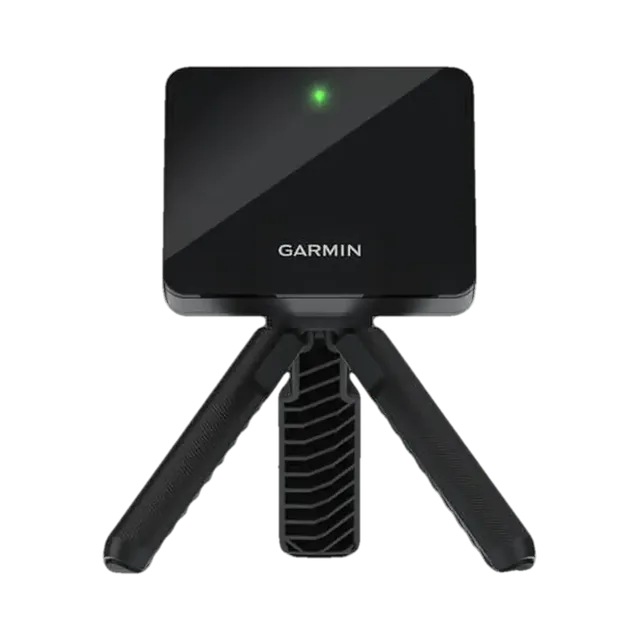
First setup
Charge it fully, update maps or firmware, and set your preferred distance units before the first round.
GGL Scores and attributed testing summaries come from our existing research library. Some original value judgments reflect the source market. Confirm the exact US model, licence, availability and warranty before choosing.
Home › Golf simulators › Net Return Home setup
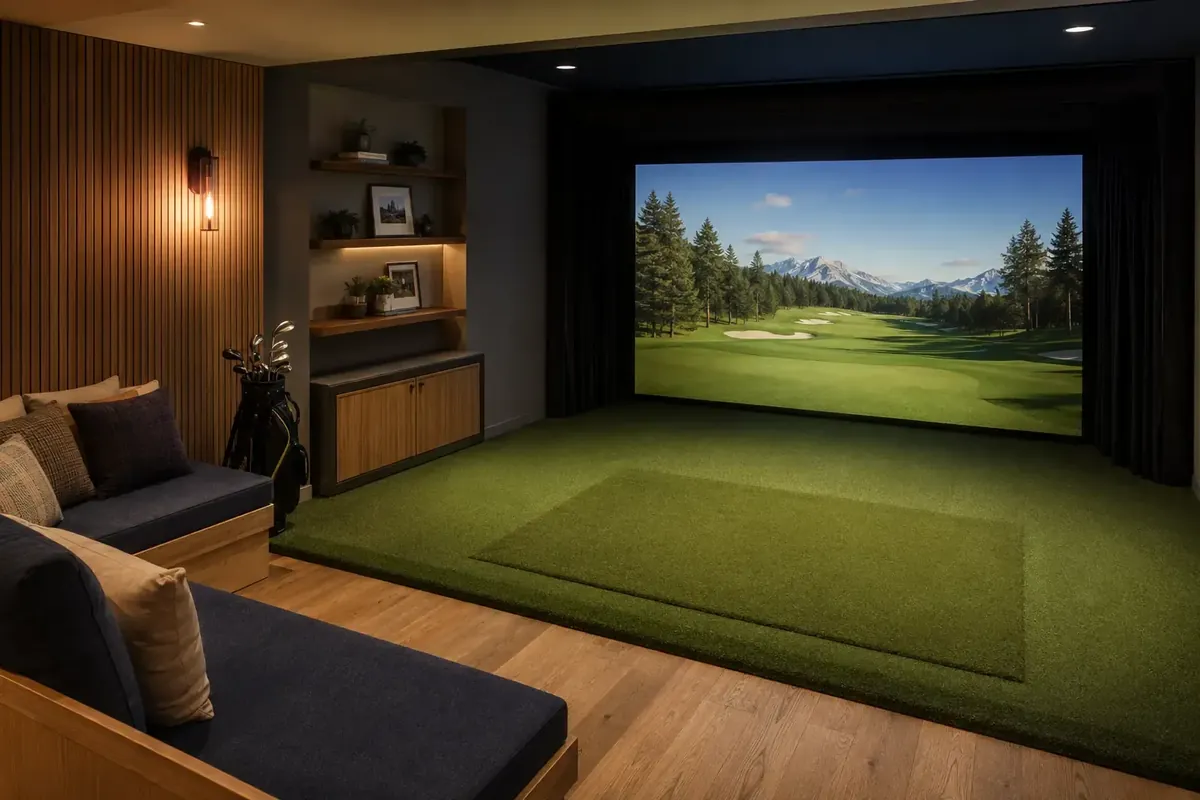
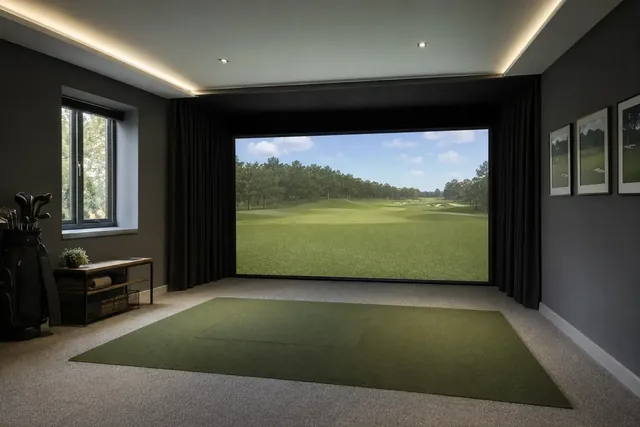
A practice setup built around the Net Return Home Series net, which returns the ball to you automatically. Add a launch monitor and an optional screen for simulator golf.
A durable, quick-to-use net setup for practice. It is ideal if you want to hit balls without a full enclosure, and you can add a simulator screen later.
Our score: 91/100. Evidence-led editorial assessment drawing on manufacturer documentation, independent published testing, owner experience where useful, source-market research and comparative analysis. The score is our buying judgement, not a measured performance margin.
Main trade-offs: Smaller picture than a full enclosure; Launch monitor bought separately.
Evidence: · The Net Return. How we use evidence · How we score
| Total budget | with a launch monitor |
|---|---|
| Net | Net Return Home Series V2: 2.1 × 2.1 m face with automatic ball return |
| Room for the net | At least 2.7 m wide × 2.4 m high × 4.3 m long |
| Simulator screen | Optional Home Series V2 Flex screen |
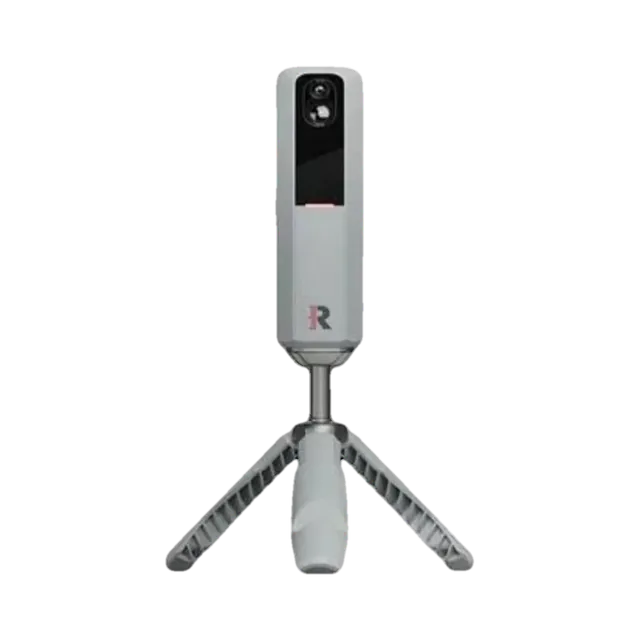
| Launch monitor | Rapsodo MLM2PRO or Garmin R10 work well |
| Hitting mat | |
| Display | Tablet or TV, or a projector with the Flex screen |
Package components vary. Use the US configuration references and obtain an itemized specification for the monitor, enclosure, mat, display, computer and software.
The Net Return’s ball-return design sends the ball back to you, so practice is quick and you do not need to collect balls. It is rated for ball speeds up to 225 mph.
Pair it with a launch monitor for numbers, and add the Flex screen and a projector if you want simulator golf without a full enclosure.
| Before you order | Check exactly which parts the package price includes (screen, enclosure, mat, projector, PC and software) and who installs it. See our installation guide. |
|---|
Warranty and returns terms checked 5 October 2026. Retailers and manufacturers can change them, so check before you buy.
Yes. Add the Flex simulator screen and a projector, or use a tablet or TV.
At least about 2.7 m wide, 2.4 m high and 4.3 m long.
No. It is our suggested build around the Net Return Home net.
This assessment covers the named configuration. For Indoor Golf Shop options, compare the separate SIG configurations and their included components.
Compare current US configurations →This section replaces legacy scoring panels with practical buyer guidance: what to do first, what to check, and when to consider an alternative.
Charge it fully, update maps or firmware, and set your preferred distance units before the first round.
Buy it only if the main use case matches how you actually play. Do not pay extra for features you will ignore.
Consider a case, spare charging cable, mount or screen protector only after you know how you will carry it.