Some links on this page are affiliate links. We may earn a commission if you buy, at no extra cost to you. How this works.
Home › Launch monitors and simulators
Home practiceLaunch monitors and simulators
A launch monitor measures your shots. A simulator adds a screen and a virtual course so you can play at home. Here is our top pick for each, and the tools to plan a room.
Launch monitors
Amazon links: as an Amazon Associate I earn from qualifying purchases, at no extra cost to you.
See your carry, ball speed and spin at the range or into a net at home. Best if you want numbers to practice with.
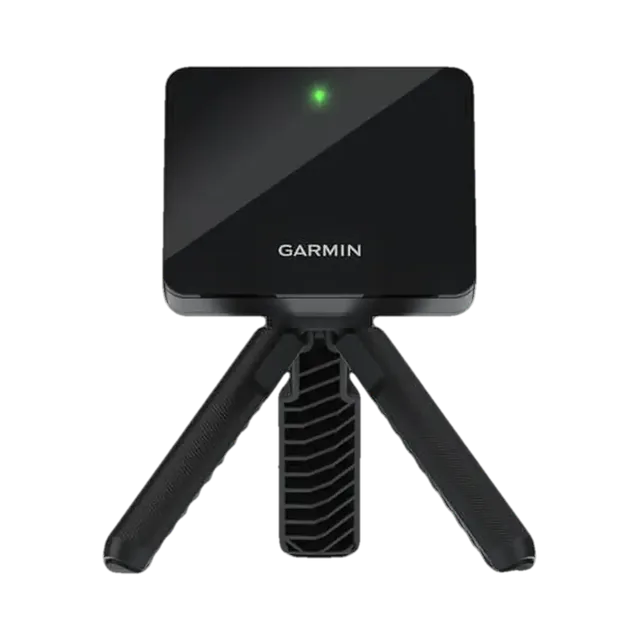
Portable, light and works with simulator software. The easiest first launch monitor, but it needs room behind the ball indoors.
Golf simulators
Amazon links: as an Amazon Associate I earn from qualifying purchases, at no extra cost to you.
A launch monitor plus a screen, mat and enclosure, so you can play full rounds in a garage or spare room.
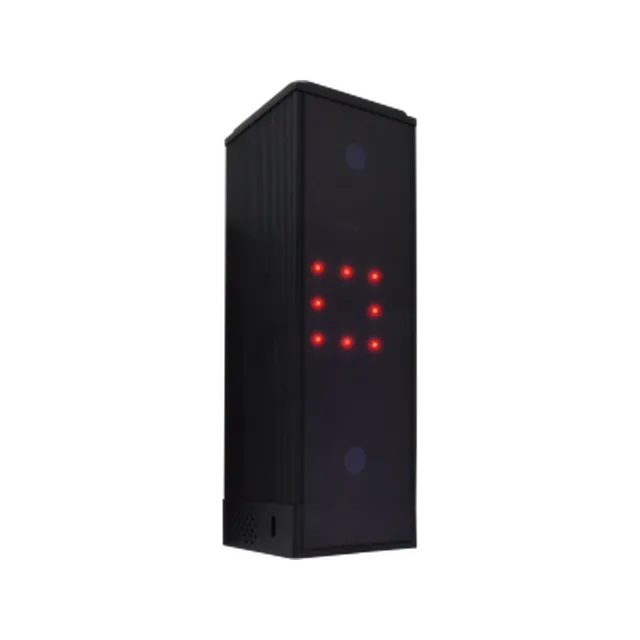
A side-on camera unit that needs no space behind you, with its own simulator. A complete room typically costs about $3,500–$4,500.
Prefer Amazon? Square Golf is not sold there. The closest side-on alternative is the SkyTrak ST MAX (check price ↗).
Plan your room
Questions buyers ask
Do I need a launch monitor or a full simulator?
Start with a launch monitor if you mainly want practice numbers. Add a screen, mat and projector later if you want to play courses at home.
How much room does a home simulator need?
About 9.8 ft (3 m) wide, 9.8–14.8 ft (3–4.5 m) deep and 8.9 ft (2.7 m) high for most setups. Units that sit beside the ball need less depth than radars behind you.
What does a home simulator cost?
A budget net setup starts at about $55–$150. A garage simulator with a projector and enclosure is typically $350–$900.
Start with your buying decision
Before comparing specifications, choose the type of technology that fits how you actually play.
Simulator software
Hardware is only half the simulator decision. Compare golf simulator software →